Digital whiteboards served classrooms well for years, but for most schools today, an interactive screen is the smarter long-term investment. Interactive flat panels deliver sharp 4K images without shadows or fading lamps, run lessons from a built-in operating system, and let several students write at once. They also remove the ongoing cost of projector lamps, recalibration, and extra cables. The upgrade makes the most sense when your current setup is aging or slowing lessons down, and less sense when your projector is new and daily use is light. Knowing where your classroom stands makes the decision clear.
Classroom expectations have shifted since interactive whiteboards first arrived. Teachers now share content wirelessly, run hybrid lessons, and expect students to collaborate on the board, which is exactly what modern interactive screens for education are built for. This guide compares both options, covers the signs it's time to upgrade, and reviews three interactive panels worth considering.
Digital Whiteboard vs Interactive Screen and How Each One Works
How a Digital Whiteboard Works in the Classroom
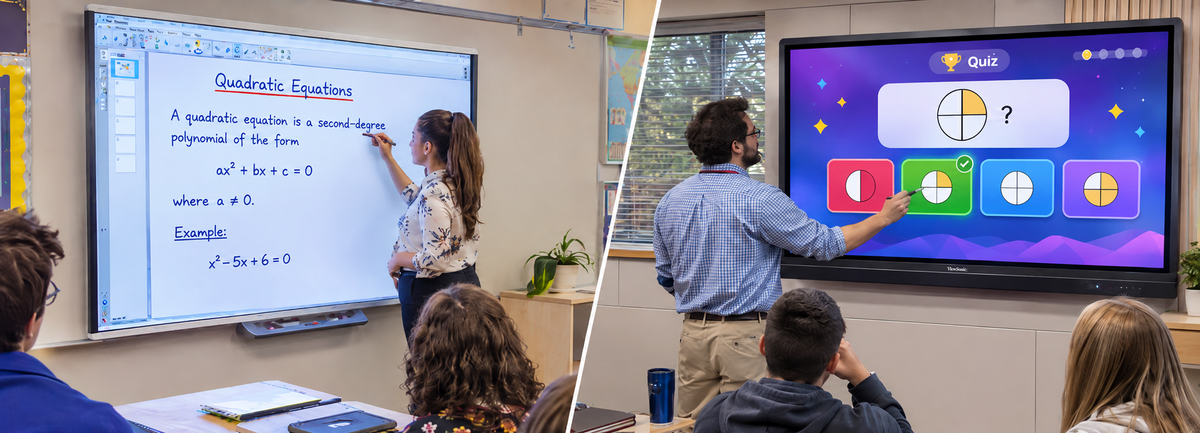
A digital whiteboard, also called an interactive whiteboard, is a large touch-sensitive board that brings digital lessons to the front of the classroom. In projector-based models, the board turns the computer’s display into a writable surface where teachers can annotate in digital ink. In everyday teaching, an interactive whiteboard for classroom use typically provides:
- A large-format writing surface designed for whole-class visibility and shared interaction
- Touch and pen input for writing, drawing, and controlling lesson content
- Digital ink tools for highlighting, erasing, and saving notes to share after class
- Compatibility with the computers and projectors many classrooms already use
This familiar format has kept interactive whiteboards a long-standing part of classroom teaching. Projector-based setups do require recurring upkeep, from lamp replacements and realignment to managing shadows across the image.
How Interactive Flat Panels Work as All-in-One Displays
Interactive flat panels combine the display, touch sensor, and computer in one wall-mounted screen. With no projector to align, the image stays bright and sharp edge to edge.
- Built-in 4K display for clear text, images, and video
- Built-in operating system with digital whiteboard, annotation, and screen-sharing apps
- Classroom tools such as timers, spinners, screen recording, and a web browser
- App store access for installing teaching apps, plus cloud drive access for opening lesson files
- Multi-touch support so several students can write together
- Wireless casting from laptops, tablets, and phones
The same panels also work as interactive screens for business, including staff rooms.
Key Differences at a Glance
The table below sums up the main differences.
| Factor | Digital Whiteboard | Interactive Flat Panel |
|---|---|---|
| Setup | Board, projector, computer | One all-in-one screen |
| Touch | One or two users | 20 to 40 touch points |
| Software | Connected computer | Built-in OS and apps |
| Upkeep | Projector lamp replacement and periodic calibration | Software and firmware updates, often managed remotely |
Is Upgrading to an Interactive Screen Worth It for Your Classroom
Signs Your Classroom Is Ready for the Upgrade
Certain everyday frustrations show your current board is holding lessons back.
- Washed-out images when lights or sunlight are on
- Shadows whenever someone steps up to write
- Repeat spending on projector lamps and repairs
- Touch drifting out of alignment
- Students waiting because only one or two can write at once
Using interactive screens in the classroom removes these interruptions and supports stronger student engagement with interactive panels.
When Keeping a Digital Whiteboard Still Makes Sense
Interactive whiteboards can still serve well in a few cases.
- Your projector is recent and still bright
- The room uses interactive lessons only occasionally
- Your budget favors replacing boards in phases
Here, a phased plan lets you upgrade the busiest classrooms first and spread costs over time.
What Schools Should Check Before Buying Interactive Screens
The best interactive screens for schools match the room, the teaching style, and the IT setup behind them.
- Screen size: Match the display to room depth, as outlined in this guide to choosing the right interactive screen
- Touch and pen accuracy: Look for enough touch points for group work and reliable palm rejection
- Built-in software: A capable OS with essential interactive flat panel software reduces reliance on a separate computer
- OPS slot (built-in PC module bay): Adds an optional Windows computer inside the panel
- Connectivity and audio: USB-C, Wi-Fi 6, and built-in microphones simplify hybrid lessons
Checking these points early prevents costly mismatches.
Interactive Flat Panels Worth Considering for Your Classroom
The three 4K interactive panels below suit different room sizes and priorities. Compare more options across the full range of interactive screens.
| Model | Screen Size | Touch | Built-in OS | Audio |
|---|---|---|---|---|
| ViewSonic IFP6552 | 65 inch | Infrared, 33 points | Android 9.0 based | 45W with subwoofer |
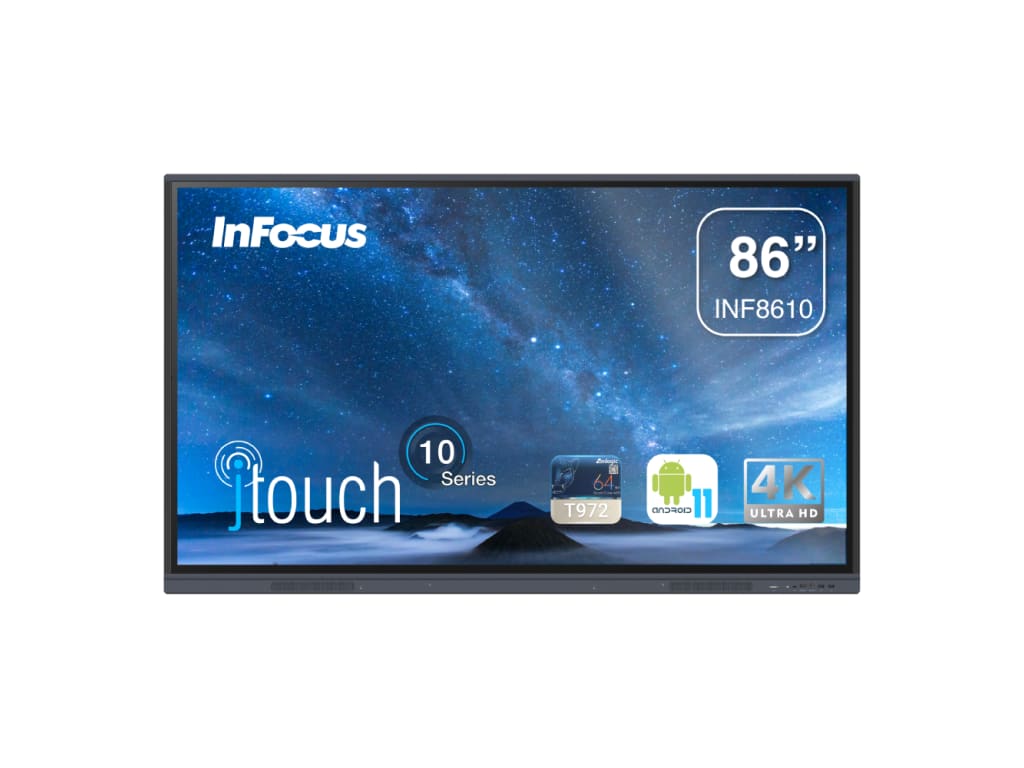
| InFocus INF8610 | 85.6 inch | Infrared, 40 points | Android 11 | 20W |
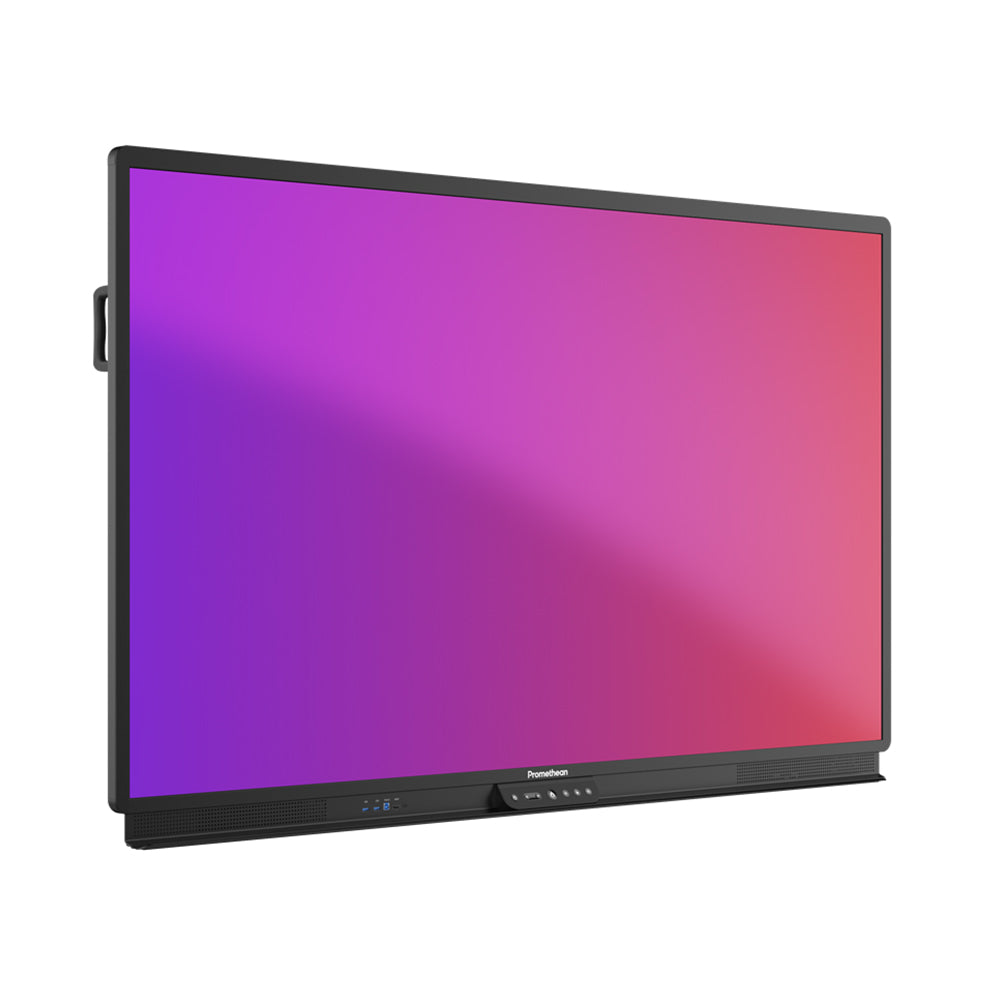
| Promethean ActivPanel 9 Pro 65" | 65 inch | Vellum, 20 points | ActivPanel OS | 51W with subwoofer |
ViewSonic IFP6552 65 Inch Interactive Flat Panel
The ViewSonic IFP6552 is a 65 inch 4K interactive flat panel built for standard classrooms that also teach remote learners. It runs ViewBoard OS based on Android 9.0 and supports infrared touch with up to 33 points on Windows and 20 on Android.
- Eight-microphone beamforming array with noise cancelation
- 45W audio from two 15W speakers and a 15W subwoofer
- Palm rejection with 4 ms touch latency for natural writing
- USB-C and an OPS slot for flexible connections
This panel is ideal for standard classrooms running hybrid or recorded lessons that need clear audio on both ends.
InFocus INF8610 86 Inch 4K JTouch Interactive Screen
The InFocus INF8610 is an 86 inch class 4K interactive screen designed for larger rooms. It runs Android 11 with an optional Windows OPS module, and its 40-point infrared touch lets several students work on the screen at once.
- LightCast 3 (wireless screen-sharing software) over Wi-Fi 6
- USB-C with up to 65W power delivery for single-cable laptop use
- LightManager (remote panel management software) for apps and firmware
This screen is ideal for large classrooms, libraries, and districts using interactive screens in the business office.
Promethean ActivPanel 9 Pro 65 Inch Interactive Panel
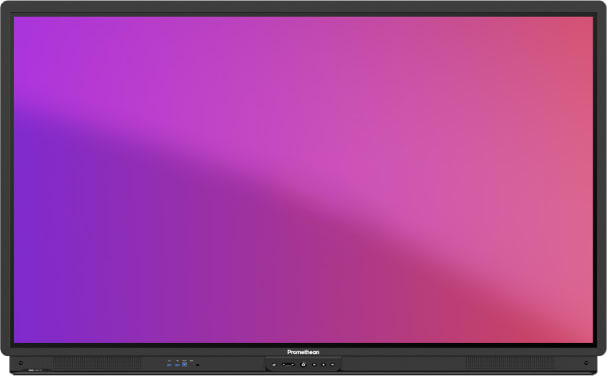
The Promethean ActivPanel 9 Pro is a 65 inch 4K interactive panel built around precise pen input. It runs ActivPanel OS and uses Vellum (Promethean's pen writing technology) with 20 touch points and 1 mm accuracy.
- Pen and touch differentiation with 2 unique pen IDs
- USB-C with 100W power delivery
- Bonded anti-glare glass with response time of 5 ms or less
This panel is ideal for teachers who write heavily during lessons and want precise pen control.
Making the Right Upgrade Decision for Your Classroom
Choosing between a digital whiteboard and an interactive screen comes down to how well your setup supports daily teaching. If you face dim images, recurring projector costs, and limited participation, interactive flat panels solve all three in one device. If your board is new and lightly used, a phased upgrade is a sensible path.
For most schools, interactive screens offer clearer lessons, easier collaboration, and less upkeep over time. The right model depends on room size, teaching style, and IT needs. Electronic Whiteboards Warehouse has the range and experience to match each classroom with the right panel.
Need Expert Guidance on Interactive Screens for Schools
The right panel depends on room size, budget, and teaching style. Contact the expert team, call (800) 992-5279, or email to talk through your options. The team will help you compare models and plan the right upgrade.