Interactive screens give modern classrooms a single surface where lessons, accessibility tools, and AI support come together, helping students of every ability stay engaged and reach their full learning potential. These screens work like a giant tablet, so teachers and students already know how to use them, and they come with built-in software for lesson creation, live captioning, transcription, and assessment. The result is a classroom where teaching feels natural and learning stays within reach for everyone in the room.
For schools, universities, and academies weighing a technology investment, the value sits in two places at once: a lighter workload for teachers and stronger access for students. Modern education now expects flexible, inclusive, and connected lessons rather than static slides on a wall. The sections below break down how interactive screens support accessibility, ease the teaching day, and keep students actively involved.
How Interactive Screens Support Modern Teaching and Learning
The modern classroom has moved beyond a projector and a marker. Interactive screens turn the front of the room into a connected teaching platform that responds to touch, voice, and stylus, and runs the apps teachers and students already know. The clearest gain shows up in accessibility, now built into how a lesson is delivered rather than added later.
Interactive Screens offer several tools that make content reachable for more learners:
- Live closed captions appear on screen as the teacher speaks, supporting students who are deaf or hard of hearing
- Real-time translation across 28 languages helps multilingual learners follow lessons in their own language
- Automatic summaries and study guides give students a clear record of each lesson for revision and catch-up
- Hands-free voice control and a phone-like design lower the physical and technical barriers to using the screen
Together these turn a single lesson into something every student can follow, review, and learn from at their own pace.
How Interactive Screens Support Students Who Learn Differently
Students process information in different ways, and a rigid lesson format leaves some of them behind. Interactive screens give teachers room to present the same idea through several channels at once.
- Visual learners benefit from high-clarity 4K visuals and on-screen annotation
- Students with hearing needs follow along through live captions
- Language learners rely on real-time translation and saved transcripts
- Students who need more time use AI-generated summaries and study guides after class
This flexibility helps a mixed-ability classroom move forward together rather than at the pace of a single format.
Built-In Software and Tools That Support Teaching and Participation
Teaching time is limited, and preparation often eats into it. The software built into OneScreen interactive touchscreens is designed to give that time back.
Built-in tools that support teachers include:
- Lessn builds standards-based lessons or generates AI-driven lessons in minutes
- Write is an interactive whiteboard with cloud storage, multiple pens, and text recognition, and lessons from Lessn drop straight onto the board
- AI Chat and Smart Select are on-screen assistants for explaining a concept a new way or searching for content without leaving the lesson
- Centralized management lets IT and administrators control settings, policies, and apps across every screen from one place
These tools also give students direct ways to take part rather than just watch:
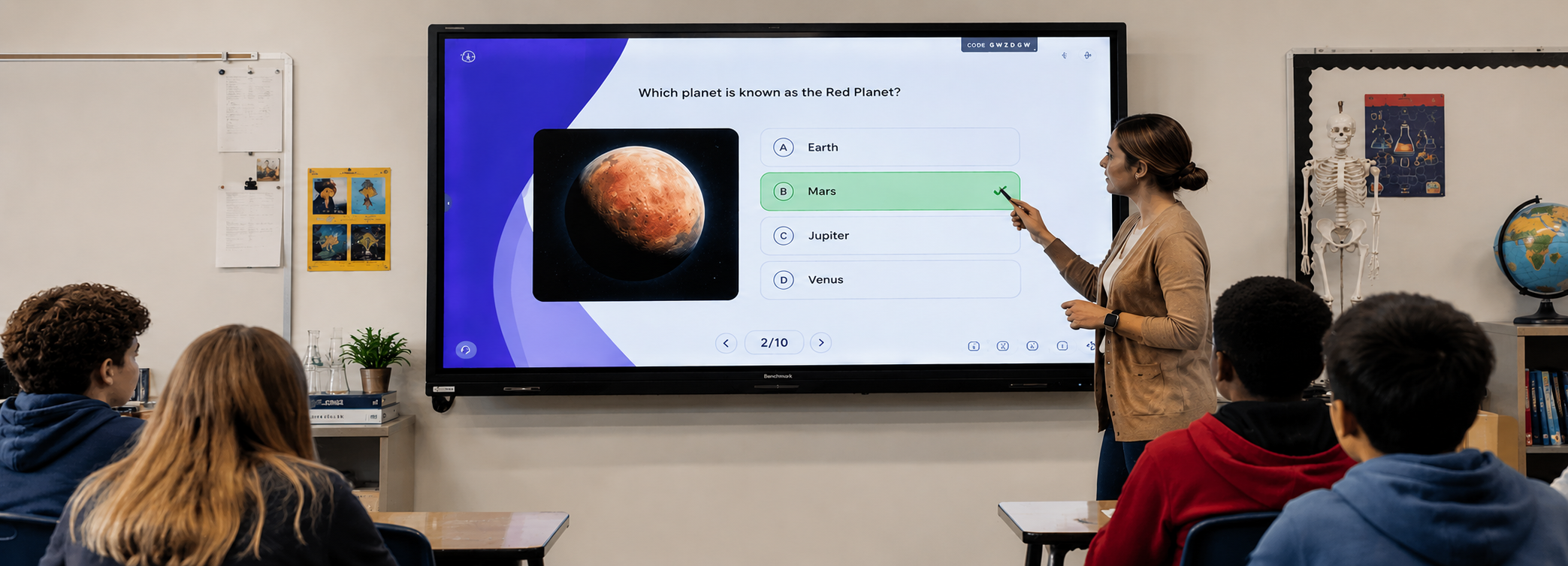
- QuizWiz runs real-time, editable polls and quizzes, giving teachers instant insight into understanding
- Screen sharing lets up to 30 student devices stream to the board, so student work becomes part of the discussion
Live participation like this is part of what sets a modern classroom apart, and it is often why schools compare interactive screens in the first place.
AI Features That Turn Lessons Into Reusable Learning Resources
The strongest gains come from the AI built directly into the interactive screen. Some of the OneScreen interactive flat panels carry a dedicated AI processor, so these tools respond quickly enough to keep pace with a live class.
- AI transcription captures everything said in the lesson and turns it into a clean, searchable record
- AI summaries and study guides assemble revision material from recordings, transcripts, annotations, and on-screen documents
- AI Chat answers questions and generates examples on the spot, acting as a teaching assistant at the board
One lesson becomes a transcript, a summary, and a study guide, with no extra preparation after class.
Comparing the Software, Built-In Tools, and Core Features at a Glance
The table below groups the software, built-in tools, and core features that shape day-to-day classroom use. Read together, the three categories show how a single screen can cover lesson creation, accessibility, assessment, and classroom management without extra devices or separate subscriptions.
| Tool or Feature | What It Does | Primary Classroom Benefit |
|---|---|---|
| Scrybe | Real-time captions, transcription, and translation in 28 languages | Makes lessons accessible and multilingual |
| SuprNotes | AI summaries and detailed study guides from lesson content | Gives students reusable revision material |
| Lessn | Builds standards-based or AI-driven lessons | Reduces teacher planning time |
| QuizWiz | Real-time, editable polls and quizzes from trusted content | Checks understanding during the lesson |
| Write | Interactive whiteboard with cloud storage and text recognition | Combines planning and teaching on one board |
| AI Chat and Smart Select | On-screen AI help and content search over any source | Supports teaching and learning in the moment |
| Classroom toolkit | Timer, stopwatch, screen recorder, spotlight, freeze, screen capture | Keeps everyday lesson tasks in reach |
| Screen sharing | Streams from up to 30 devices across major platforms | Brings student work into the lesson |
| Voice control | Hands-free operation, with Google Voice on some screens | Lowers barriers and aids accessibility |
| Centralized management | Controls settings, policies, and apps across screens | Simplifies IT and administration |
| Dedicated AI processor | On-device AI on some of the screens | Keeps AI tools fast during live lessons |
Classroom Tools in One Display With the OneScreen TL7 Interactive Screen
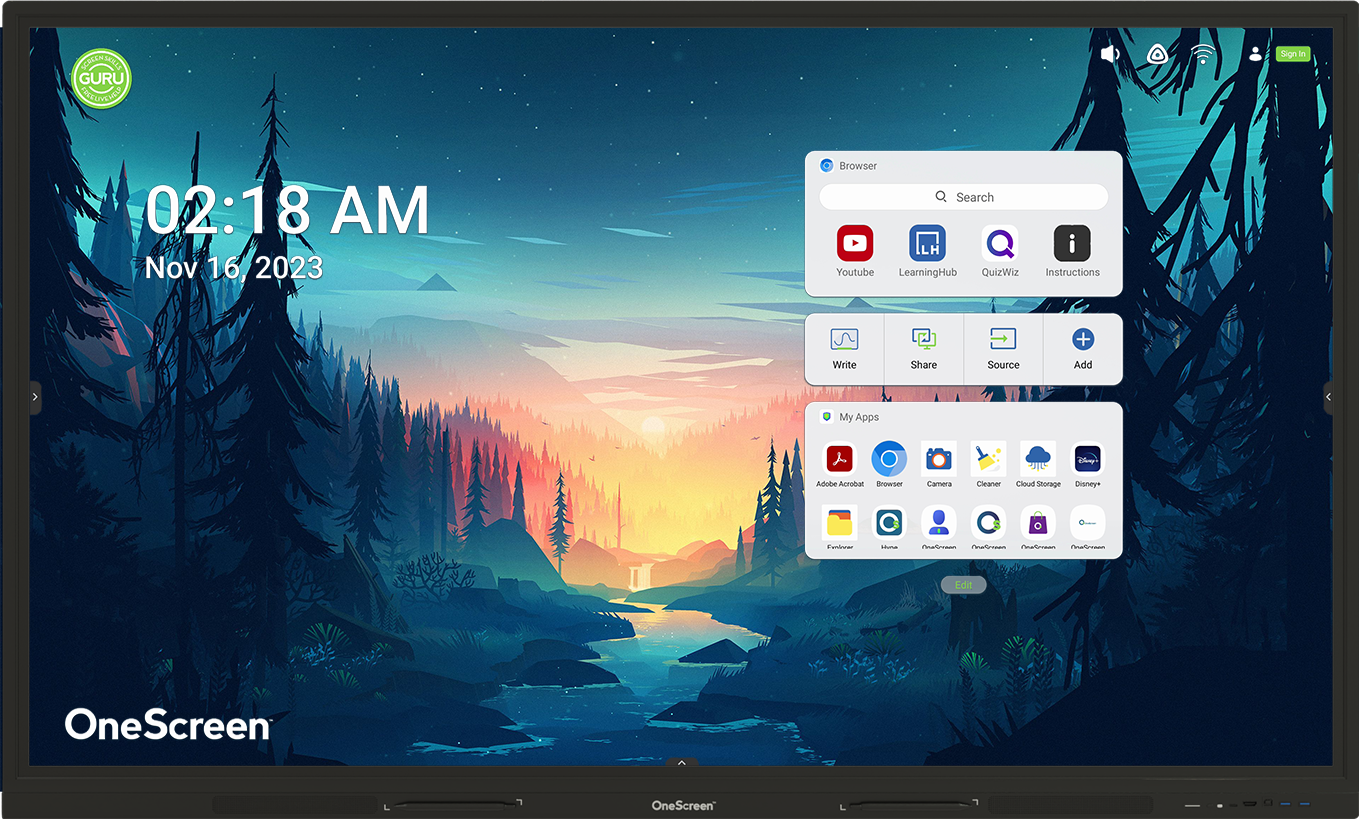
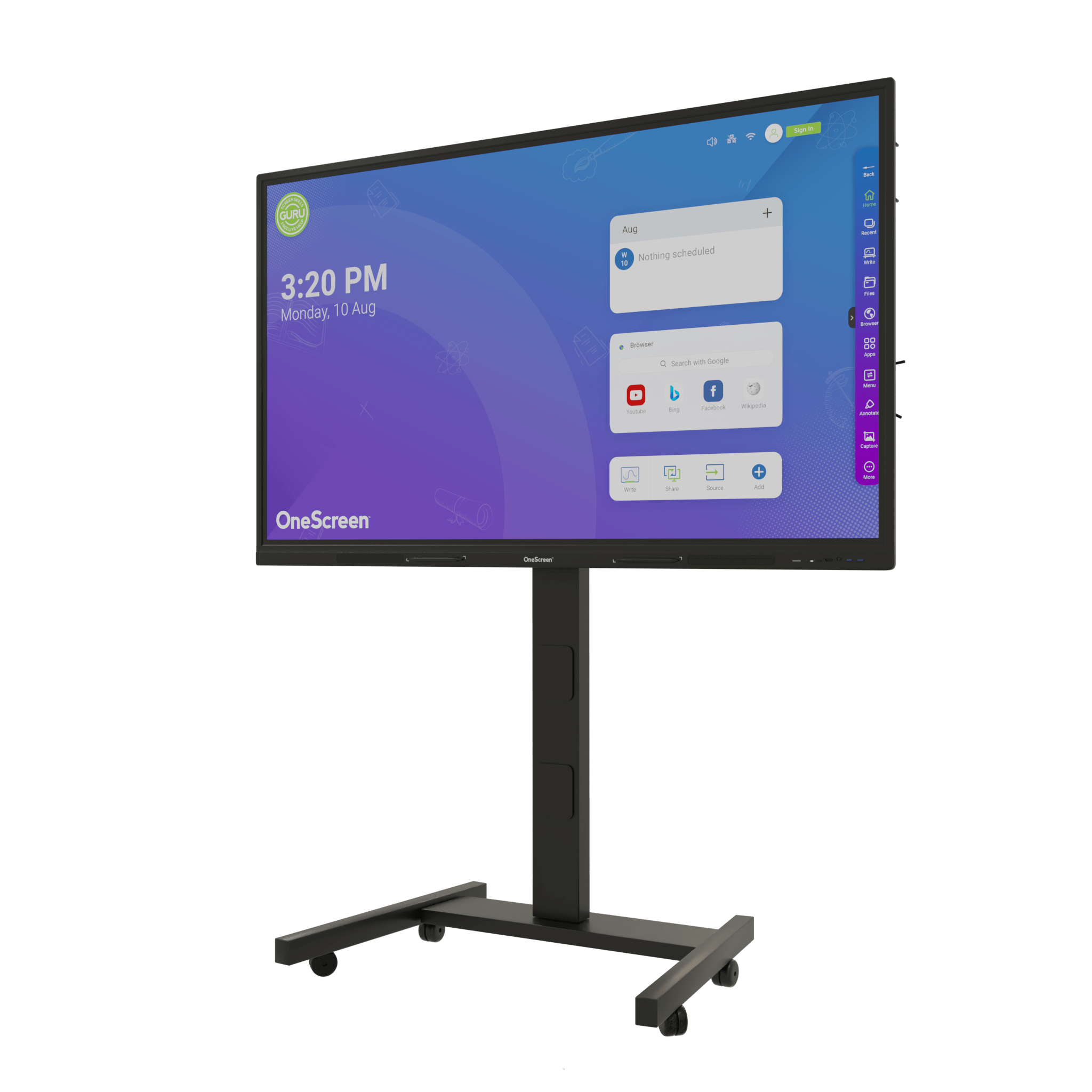
The OneScreen TL7 Interactive Screen brings these classroom tools together on a 4K interactive display, with multi-touch input, built-in apps, and an interface teachers pick up quickly. Available in 55, 65, 75, 86, 98, and 105 inch sizes, it offers a practical starting point for schools moving toward a modern, accessible classroom setup.

Choosing Interactive Screens That Match Modern Classroom Needs
Interactive screens earn their place in modern classrooms by serving teachers and students at the same time. They reduce planning and assessment workload while making lessons accessible to learners with different needs, languages, and learning styles.
For any school, university, or academy, the decision comes down to matching the right capabilities to the classroom and the budget. With the right guidance, interactive screens deliver learning value that static boards cannot.
Readers exploring further may also find it useful to see what teachers are saying about AI-powered interactive screens and why OneScreen interactive screens suit modern classrooms.
Need Expert Guidance on Interactive Screens for Modern Classrooms
Choosing the right interactive screen means balancing accessibility, teaching tools, room size, and budget across every classroom. Contact the expert team, call (800) 992-5279, or email to discuss the options. Interactive screens of any size and specification can be sourced to match the requirements of a school, university, or academy.