
Accessible education is no longer a side initiative reserved for specialized programs. It has become a central responsibility for schools, districts, and institutions investing in modern learning environments. Modern interactive screens now play a practical role in supporting students with diverse learning needs by making lessons more visual, more hands on, and more adaptable. When used well, these displays do more than present content. They help students participate, express understanding, and stay engaged in ways that traditional tools often cannot support.
In today's classrooms, accessibility, engagement, and learning outcomes are closely connected. This is especially true for schools adopting inclusive teaching models supported by modern classroom technology. This guide explains how these tools support students with special needs, how they help special education teachers work more effectively, and how leading interactive flat panels compare for real classroom and institutional use.
What Accessibility in Education Really Means Today
Accessibility in education starts with the idea that every student should be able to take part in learning without unnecessary barriers. This includes how content is delivered, how students interact with lessons, and how teachers adapt instruction in real time. Classroom display technology supports this approach by making lessons more flexible and responsive.
Key elements of modern accessibility include:
- Multiple ways to present the same content, such as visual, audio, and interactive formats
- Tools that allow students to respond without relying only on writing or speaking
- Classroom technology that adapts to students instead of forcing students to adapt to tools
When these elements are present, inclusive learning becomes part of everyday teaching rather than a separate process. Interactive Flat Panels help schools move toward this goal by supporting flexible and equitable classroom experiences.
How Students with Special Needs Learn Differently
Students with special needs often process information in ways that differ from traditional teaching assumptions. Some may struggle with reading, others with attention, and others with fine motor control or sensory overload. Interactive classroom displays help reduce these barriers by offering more than one way to engage with the same lesson.
Common learning challenges that technology can help address include:
- Difficulty focusing on static or text heavy materials
- Challenges with handwriting or fine motor tasks
- Sensory sensitivities to light, sound, or visual clutter
- Limited ability to express understanding through traditional methods
By supporting visual, touch based, and audio interaction, these tools give students more paths to understanding. This makes learning more accessible without separating students from the rest of the class.
Why Multisensory Learning Improves Engagement and Understanding
Multisensory learning strengthens understanding by engaging more than one sense at the same time. When students see a concept, interact with it, and hear it explained, they are more likely to retain and apply what they learn. This approach becomes practical in everyday classrooms through interactive teaching surfaces.
Benefits of multisensory learning include:
- Stronger memory through visual and hands on reinforcement
- Higher engagement for students who struggle with passive learning
- Better support for different learning preferences in the same classroom
- More opportunities for students to demonstrate understanding in their own way
By combining these inputs into one teaching surface, classroom technology turns abstract ideas into experiences that students can explore and understand more deeply.
How Interactive Screens Remove Barriers to Learning
Interactive screens remove barriers by allowing teachers to adapt lessons in real time as they teach. Instead of preparing separate materials, teachers can adjust text size, highlight key points, or switch to visual explanations in real time. This flexibility is especially valuable in inclusive classrooms.
Ways these systems support accessibility include:
- Enlarging or simplifying content for better visibility
- Allowing students to interact directly with lessons through touch
- Supporting visual and audio explanations together
- Enabling alternative ways to respond, such as drawing or moving objects
These features make it easier for students to participate without feeling singled out. Over time, this builds confidence and encourages consistent engagement in learning.
How Interactive Touchscreens Support Special Education Teachers
Special education teachers work in environments that demand constant adaptation and close observation of student needs. Classroom displays help by reducing the number of tools required to run a lesson and by making it easier to adjust instruction on the spot.
Practical benefits for teachers include:
- Faster lesson setup and easier material reuse
- Built in tools for annotation, highlighting, and visual guidance
- Real time insight into how students interact with content
- Simpler ways to document and review student progress
By lowering technical and logistical barriers, these tools allow teachers to focus more on teaching and less on managing equipment. This leads to more consistent and responsive instruction.
Everyday Classroom Use Cases for Inclusive Learning
In real classrooms, these systems support a wide range of inclusive teaching practices. These use cases show how the technology fits naturally into daily instruction rather than acting as a special purpose tool.
Common classroom applications include:
- Visual schedules and step by step task guides
- Interactive exercises for motor skill development
- Drawing and annotation for communication and expression
- Low pressure quizzes and formative assessments
- Group activities that encourage shared participation
Each of these use cases helps students stay involved while remaining part of the broader classroom experience. This balance is what makes modern classroom displays so effective in inclusive settings.
What to Look for in an Interactive Screen for Special Education
Not all interactive panels are equally suited for inclusive classrooms. Decision makers should focus on features that directly support accessibility, ease of use, and long term adoption by staff and students.
Important criteria to evaluate include:
- Touch accuracy and support for multiple users at once
- Built in whiteboard and annotation tools
- Wireless screen sharing and device compatibility
- Visual comfort features such as low blue light and anti glare
- Simple, intuitive interfaces that reduce training time
When these features are present, these displays become dependable teaching tools rather than complex systems that slow classrooms down.
OneScreen TL7 65 Interactive Touchscreen in Inclusive Classrooms
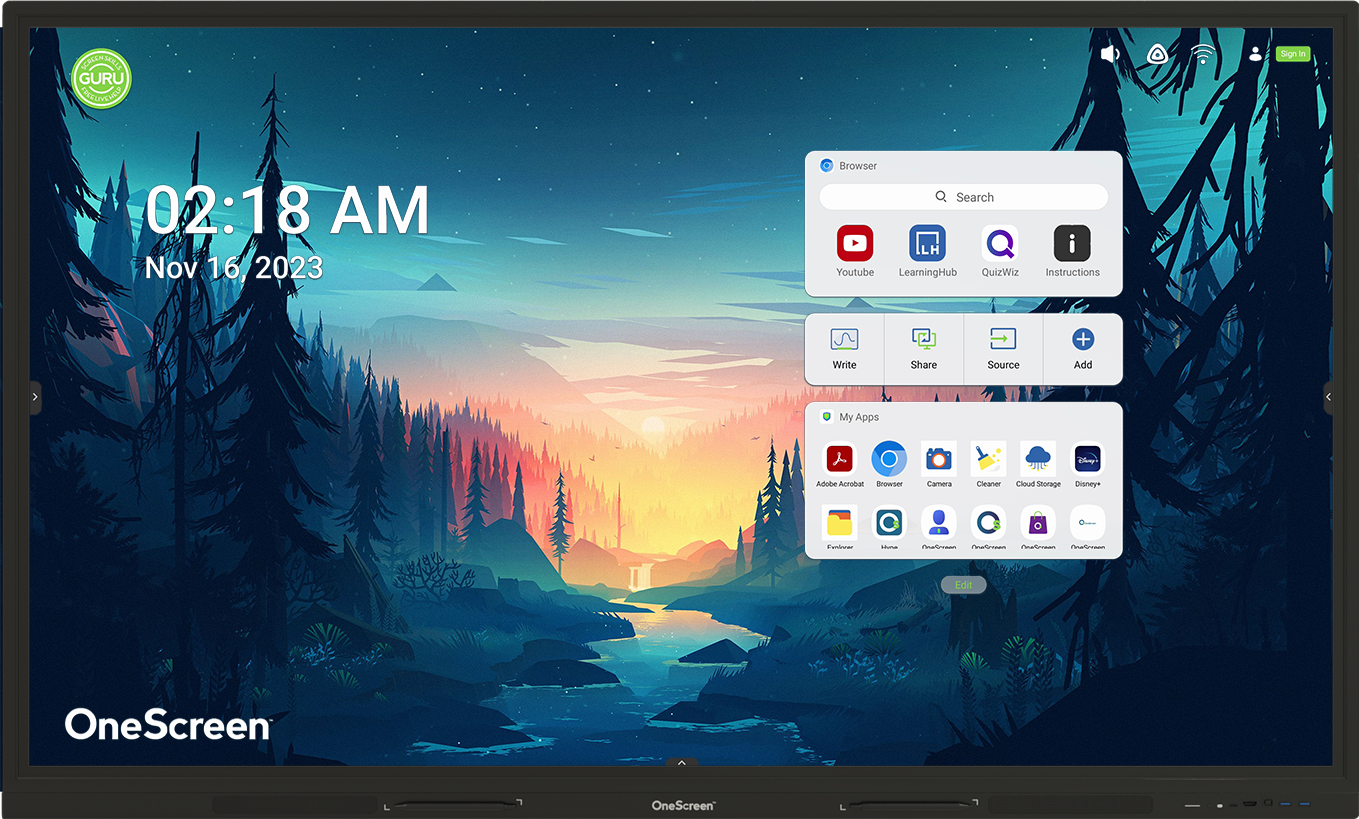
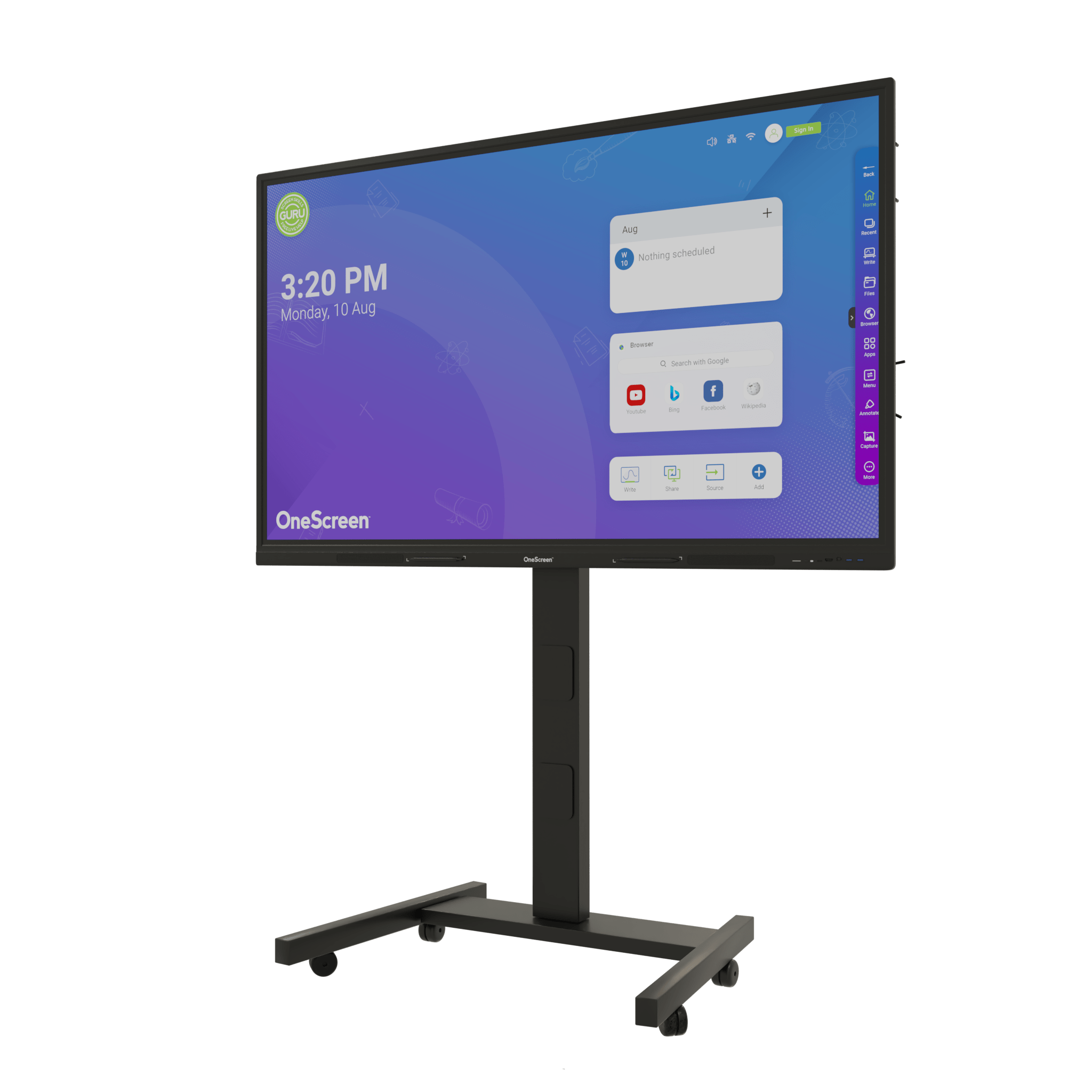
The OneScreen TL7 65 is designed to fit smoothly into daily teaching workflows. Its Android platform, strong hardware performance, and cloud integration make it easy for teachers to access, adapt, and save lesson content.
Key strengths for inclusive classrooms include:
- Responsive multi touch support for hands on activities
- Built in whiteboard, screen sharing, and lesson tools
- Cloud profiles and easy access to teaching materials
- Simple interface that supports fast adoption by staff
In education, this makes the TL7 a strong option for inclusive and hybrid classrooms. In business and training environments, the same features support workshops, collaboration, and interactive presentations.
SMART Board 6265S V3 Pro Interactive Screen for Inclusive Learning
The SMART Board 6265S V3 Pro stands out for its advanced touch technology and tool recognition capabilities. These features support more natural interaction, which is helpful for students who benefit from precise and predictable input.
Notable benefits include:
- High accuracy touch with support for multiple tools and users
- Built in Android experience and classroom software ecosystem
- Strong collaboration tools for group activities and instruction
- Reliable performance for daily classroom use
In special education settings, this precision helps students interact more comfortably with content. In professional environments, the same capabilities support structured collaboration and training sessions.
BenQ RM6503 Interactive Screen for Health Focused and Hybrid Learning
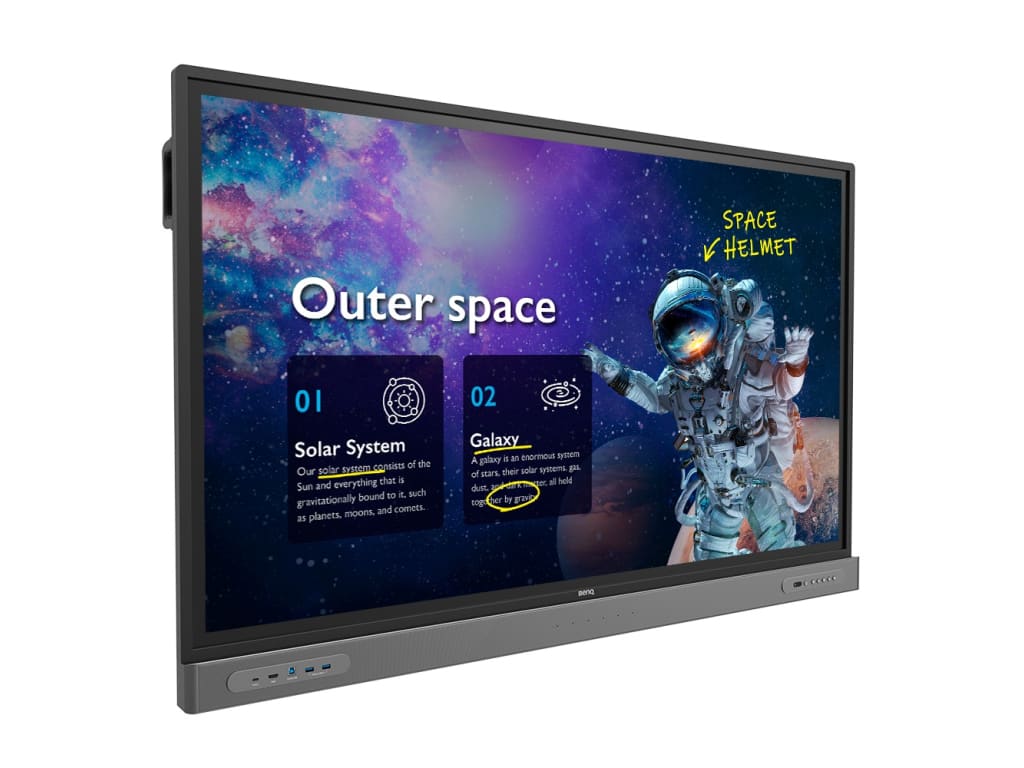
The BenQ RM6503 is built with a strong focus on visual comfort and shared classroom use. Features like low blue light, flicker free display, and anti glare surfaces help reduce eye strain, which matters for students who are sensitive to visual fatigue.
Key advantages include:
- Visual comfort features that support long viewing sessions
- Germ resistant screen surface for shared environments
- Built in whiteboard and wireless sharing tools
- Support for hybrid and remote collaboration
In inclusive classrooms, these features help create a safer and more comfortable learning environment. In business settings, the same design supports meetings, training, and hybrid collaboration.
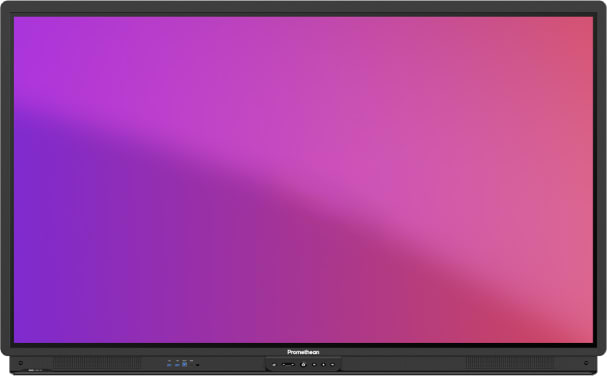
Promethean ActivPanel 9 Interactive Panel for Engagement and Expression
The Promethean ActivPanel 9 focuses on smooth performance and classroom friendly software. Its integrated apps and profile based access make it easier for teachers to personalize lessons and for students to engage with content consistently.
Core benefits include:
- Responsive touch for drawing, writing, and interaction
- Built in classroom tools and apps for daily teaching
- Cloud based profiles for personalized access
- Simple management and update workflows
In special education classrooms, this supports expression and participation through multiple formats. In business and training environments, these strengths translate into reliable presentation and collaboration tools.
How Schools and Administrators Can Choose the Right Interactive Screen
Choosing classroom technology is a strategic decision that affects teaching quality, technology adoption, and long term costs. Accessibility should be treated as a core requirement, not an optional feature.
Decision makers should evaluate:
- How easily teachers can use the system without extensive training
- Whether the software ecosystem supports long term classroom needs
- The quality of touch, display comfort, and collaboration tools
- The availability of device management and support features
When these factors align, schools invest not just in hardware, but in sustainable, inclusive learning infrastructure.
Side by Side Comparison of Leading Interactive Displays
A Practical Buying Guide for Schools and Institutions
The table below compares four leading Interactive Flat Panels across hardware, software, tools, and features. It is designed to support decision stage buyers who are actively comparing options.
| Category | OneScreen TL7 65 | SMART Board 6265S V3 Pro | BenQ RM6503 | Promethean ActivPanel 9 |
|---|---|---|---|---|
| Hardware | 65 inch 4K, 40 touch points, 2x16W speakers, wide port selection | 65 inch 4K, up to 40 touch points, 2x20W speakers, premium glass | 65 inch 4K, multi touch, built in mic and speakers, comfort focused panel | 65 inch 4K, 20 touch points, front facing speakers, fanless design |
| Software | Android based apps, OneScreen whiteboard, screen sharing, cloud profiles | Android based iQ, SMART whiteboard, Meeting Pro, remote management | Android based, EZWrite, InstaShare, device management | ActivPanel OS, classroom apps, cloud profiles, OTA updates |
| Tools | Annotation, screen recording, wireless sharing, lesson capture, Quiz Generation | Tool awareness, pen ID, object awareness, collaboration tools | Whiteboard, wireless sharing, split screen, video conferencing support | Annotation, screen capture, classroom apps, profile access |
| Features | Cloud integration, device management, multisensory support, easy onboarding | High precision touch, advanced tool recognition, strong classroom ecosystem | Visual comfort, germ resistant screen, hybrid learning support | Simple interface, strong engagement tools, classroom focused workflows |
| Education Use | Inclusive classrooms, hybrid teaching, interactive Whiteboard lesson capture |
Collaborative classrooms, special education, teacher led interaction | Health focused classrooms, hybrid learning, shared spaces | Student engagement, expression, simplified classroom management |
This comparison shows that while all four options support inclusive learning, each emphasizes different strengths. The right choice depends on priorities such as ease of use, ecosystem, health features, and long term support.
The Long Term Impact of Accessible Technology in Schools
Accessible classroom technology changes how students experience learning over time. When students can participate fully, they build confidence, independence, and stronger learning habits. These tools support this by making classrooms more responsive to individual needs.
Long term benefits for institutions include:
- More consistent student engagement and participation
- Better insight into learning progress and challenges
- Improved teaching efficiency and resource use
- Stronger alignment with inclusive education goals
Over time, Interactive Flat Panels become part of the foundation for modern, equitable learning environments.
Conclusion
Interactive Flat Panels have become essential tools for making education more accessible and more inclusive for students with special needs. By supporting multisensory learning, flexible instruction, and real time participation, classroom technology helps remove barriers that once limited student engagement and understanding. These systems also give teachers practical ways to adapt lessons without adding complexity to their daily workflows.
For schools and institutions comparing options, the right solution is not just a technology purchase. It is a long term investment in better learning experiences, stronger teaching outcomes, and more equitable access to education. When chosen thoughtfully, these tools become reliable partners in building classrooms where every student can participate and succeed.
Need Help Finding the Right Interactive Display?
Our team of experts is here to guide you. We understand every learning environment has unique requirements. Whether for a classroom or a conference room, reach out for tailored guidance or request a personalized demo or call us at (800) 992-5279 to find the perfect fit for your institution.