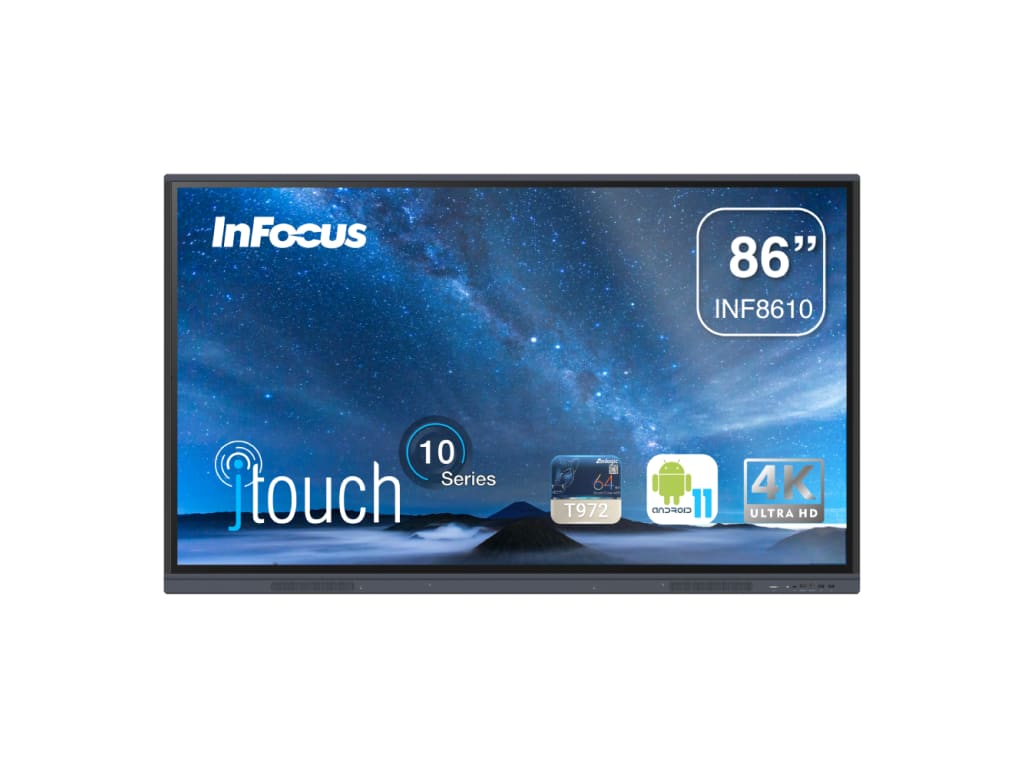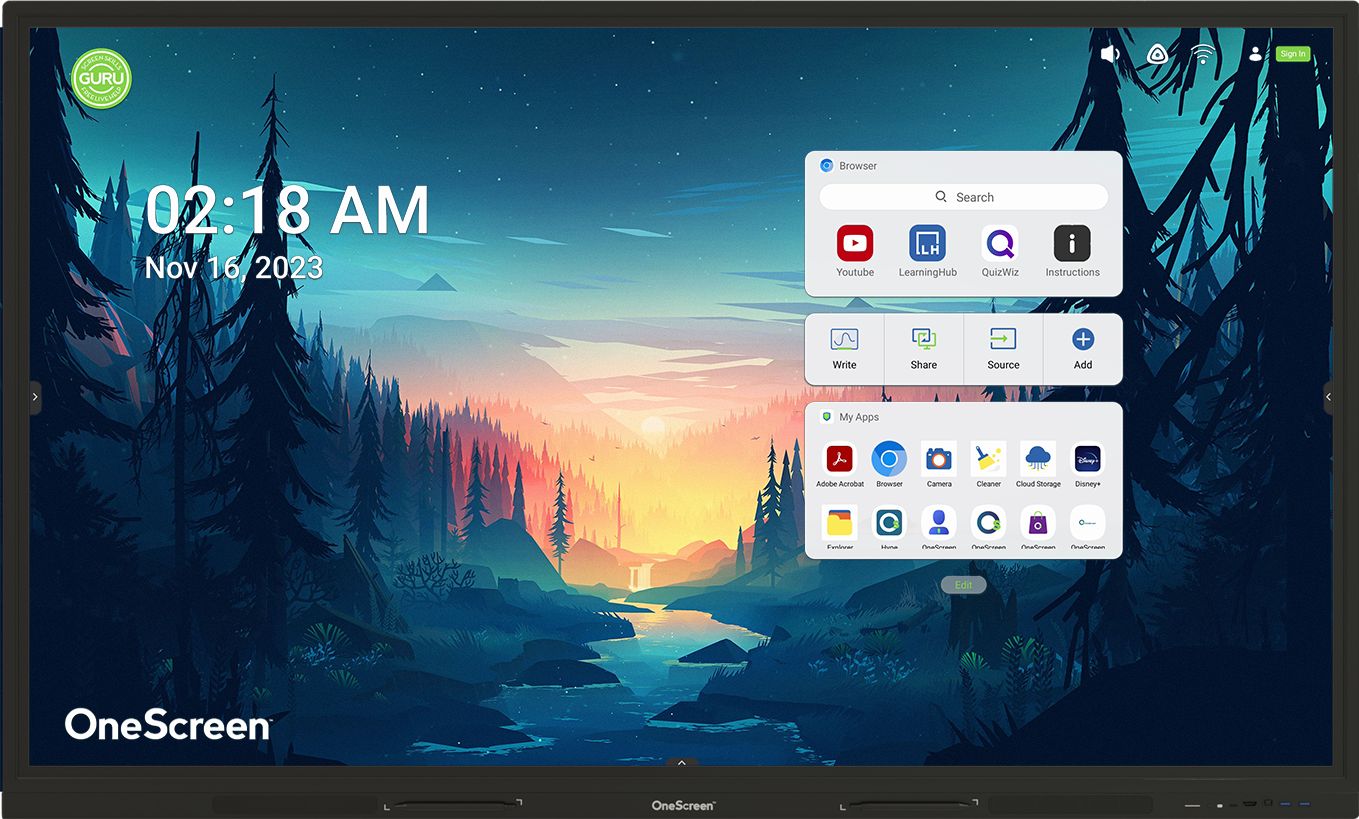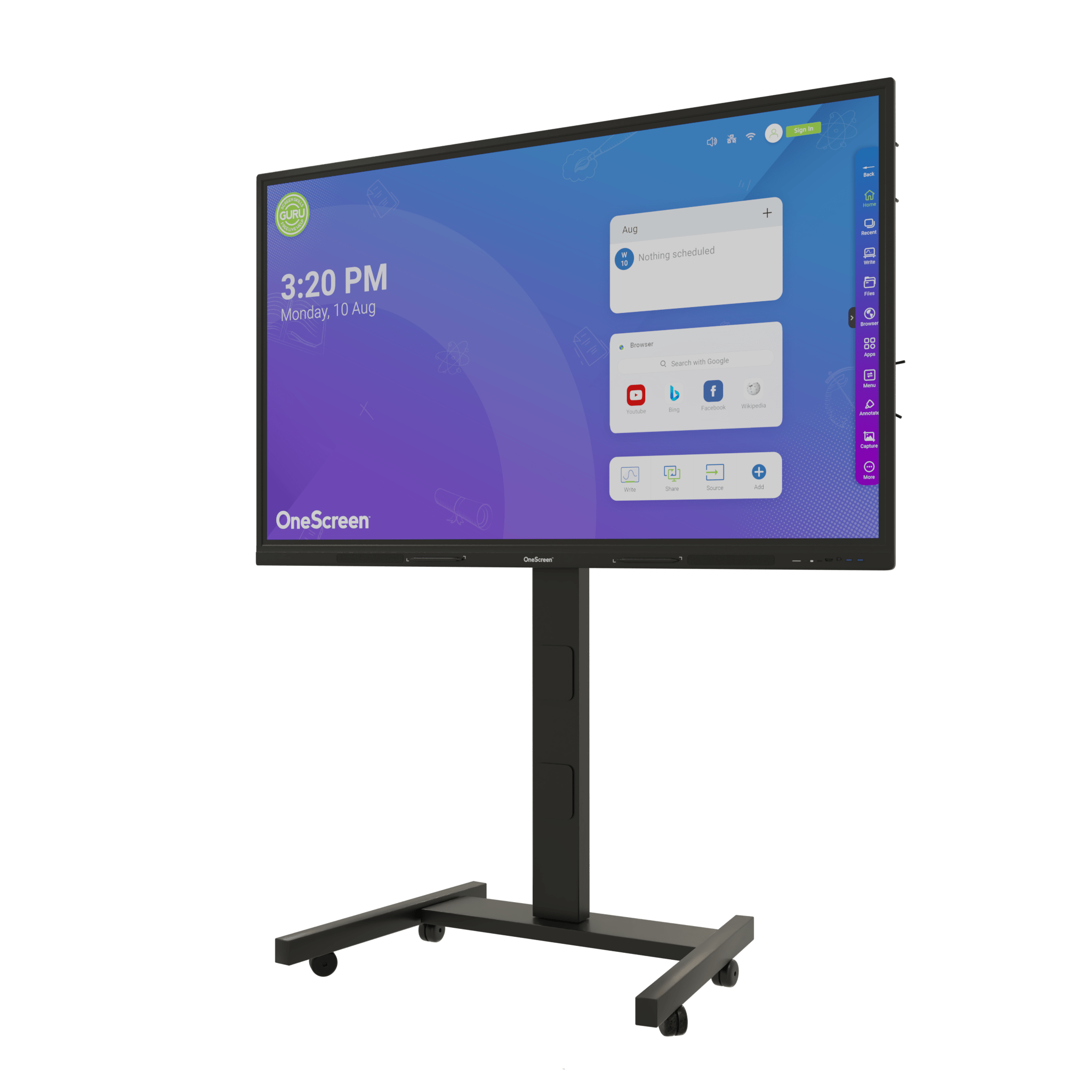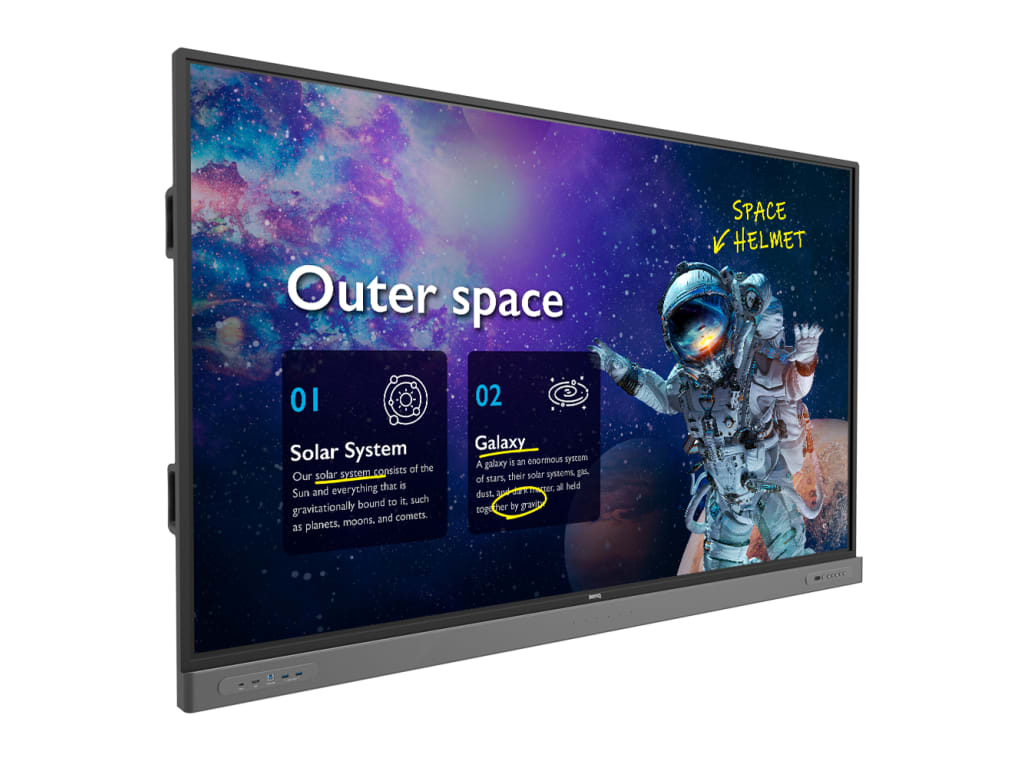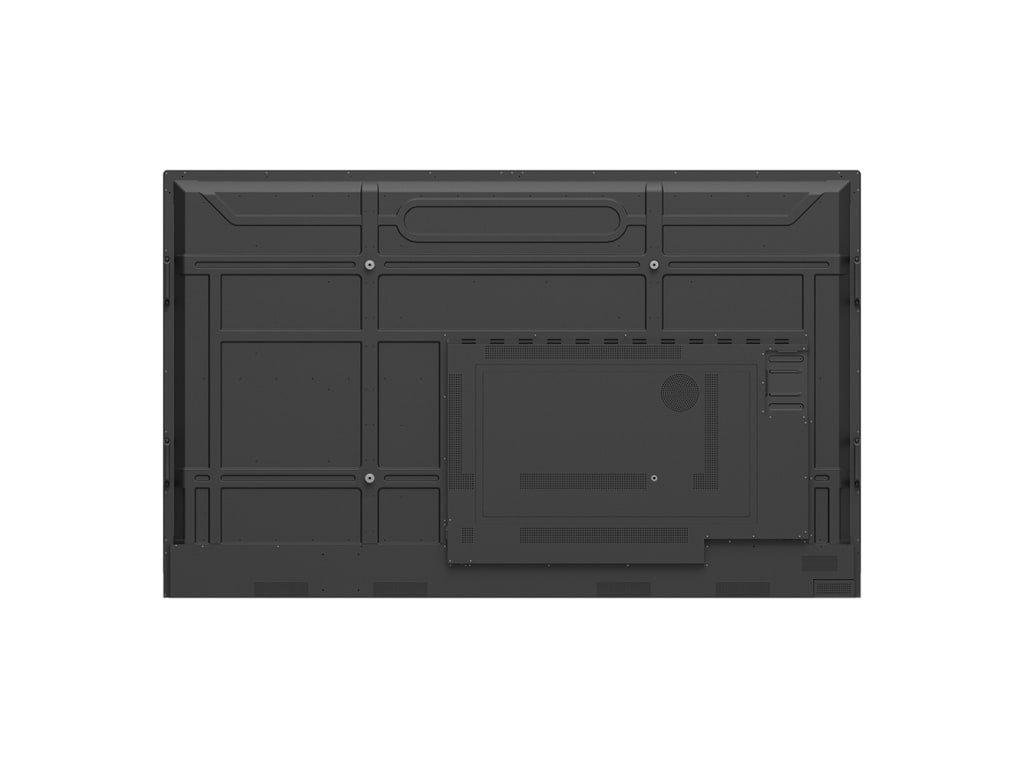
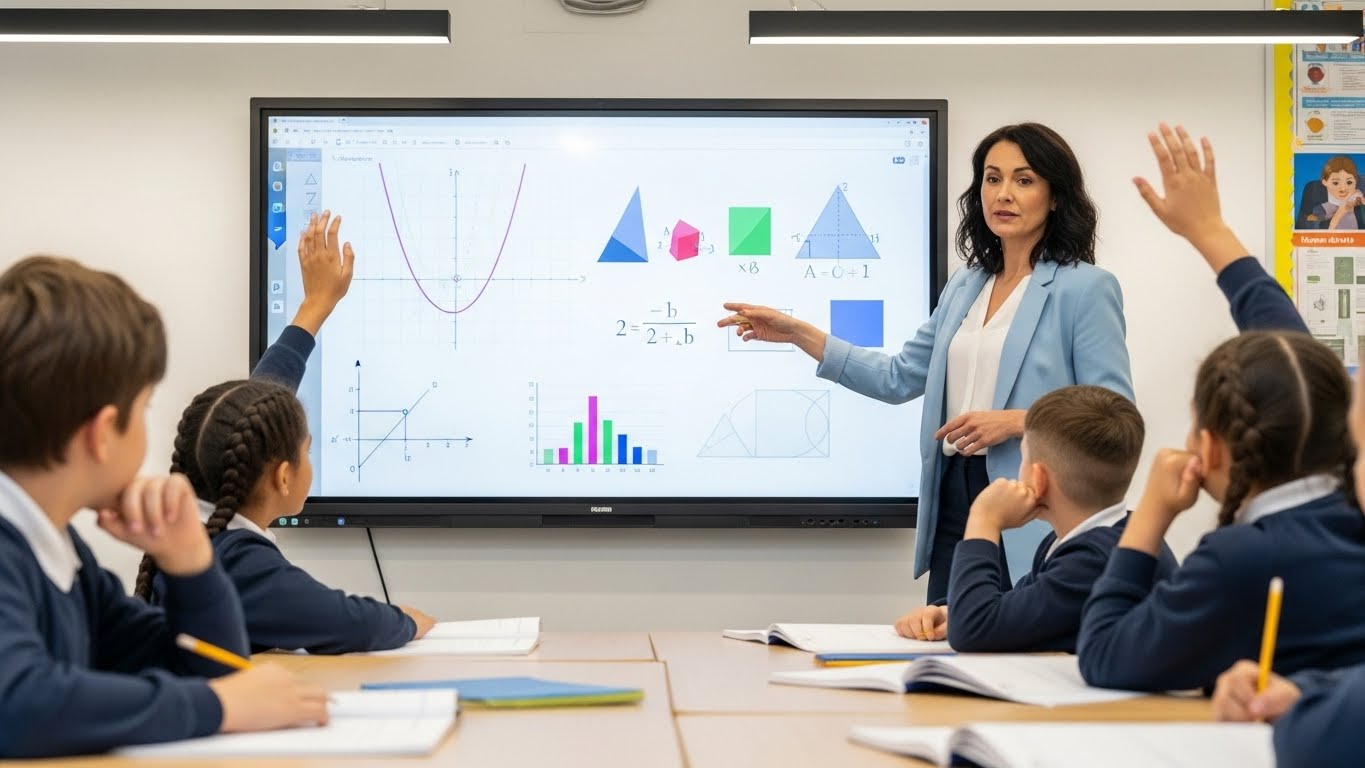
Choosing the right interactive display for your classroom or conference room represents a significant investment that will impact collaboration and engagement for years to come. With interactive flat panels becoming essential tools in modern education and business environments, understanding the differences between leading brands helps you make a confident purchasing decision. The InFocus, OneScreen, and BenQ each bring distinct advantages to interactive screen technology, from advanced touch capabilities to comprehensive software ecosystems.
Interactive screens have evolved far beyond simple digital whiteboards. Today's interactive flat panels serve as complete collaboration hubs, integrating wireless screen sharing, cloud connectivity, video conferencing, and powerful annotation tools into a single platform. This comprehensive comparison examines every aspect of the InFocus INF8610, OneScreen TL7 86", and BenQ RM8603 to help you select the interactive display that best matches your specific needs and delivers measurable value to your organization.
How InFocus OneScreen and BenQ Approach Interactive Screen Technology
Before comparing individual products, it is important to understand how each brand approaches interactive display technology at a broader level.
InFocus Interactive Screens
InFocus brings a hardware-first mindset to interactive panels, drawing on its long history in display and collaboration technology. The brand focuses on reliability, integrated collaboration hardware, and straightforward interactive tools that work consistently in classrooms and meeting spaces.
Key characteristics of InFocus interactive screens include:
- Emphasis on stable display performance and touch accuracy
- Built-in collaboration and casting tools
- Practical design for education and workplace environments

OneScreen Interactive Touchscreens
OneScreen positions itself as a platform rather than just a display manufacturer. Its interactive screens combine strong hardware with a deep software ecosystem, AI-powered tools, and live user support designed to reduce friction for educators and teams.
OneScreen's approach stands out through:
- Built-in productivity and AI applications
- Cloud integration and user personalization
- Ongoing training and live support included with the display

BenQ Interactive Displays
BenQ focuses heavily on education-centric interactive panels. Its design philosophy centers on classroom safety, accessibility, and structured teaching environments, supported by strong IT controls and learning-focused software.
BenQ interactive screens are known for:
- Classroom safety and eye comfort features
- Accessibility tools for diverse learners
- Centralized IT management and control

Side by Side Comparison of InFocus OneScreen and BenQ Interactive Screens
| Category | InFocus INF8610 86" | OneScreen TL7 86" | BenQ RM8603 86" |
|---|---|---|---|
| Display | 86" 4K, 400 cd/m² | 86" 4K, 400 cd/m² | 86" 4K, 400 cd/m² |
| Touch | 40 points, <10ms | 40 points, <7ms | 40 points, <10ms |
| RAM/Storage | 4GB / 32GB | 8GB / 64GB | 4-8GB / 32-64GB |
| Processor | ARM A55 Quad 1.4GHz | ARM A55 Quad 1.8GHz | Quad-core ARM |
| HDMI Inputs | 3 x HDMI 2.0 | 3 x HDMI 2.0 | 3-4 HDMI |
| USB-C | 1 port | 1 port 65W (front) | 1 port |
| Speakers | 2 x 10W | 2 x 16W | 2 x 15-20W |
| Whiteboard | Annotation Anywhere | OneScreen Write | Included |
| Student Sharing | Multiple devices | OneScreen Share (Up to 9 simultaneously) | 4-9 devices |
| Management | LightManager | OneScreen Central | Remote management |
| Education Apps | LightStore | QuizWiz, LearningHub, Lessn, Write | App ecosystem |
| Remote Communication | LightManager software | Beacon push alerts | X-Sign broadcast system |
| Weight | 142.4 lbs | 129.08 lbs | 120-140 lbs |
| Pen Accessories | 2 stylus | 2 antibacterial pens | 2+ pens |
Display Technology and Visual Performance Comparison
All three models deliver native 4K Ultra HD resolution at 3840 x 2160 pixels with 86-inch diagonal screens. This ensures exceptional clarity for detailed content, small text, and high-definition video even from the back of large rooms.
Visual performance highlights:
- All models: 400 cd/m² brightness for well-lit environments
- All models: 178-degree viewing angles for consistent image quality
- All models: 1.07 billion color support (10-bit) for accurate reproduction
- All models: Level 7 Mohs hardness providing scratch resistance
- BenQ: TÜV-certified low blue light and flicker-free for extended sessions
- OneScreen: Anti-fingerprint coating alongside anti-glare treatment
- InFocus: Zero bonding technology eliminating reflection between glass and LCD
Touch responsiveness directly determines how natural interactive screens feel to users. All three employ infrared touch technology supporting 40 simultaneous touch points.
Touch technology differences:
- OneScreen TL7: 7ms response time with Gen 2 Zero Bonding IR technology
- InFocus INF8610: 10ms response time with standard IR touch
- BenQ RM8603: Expected 10ms response with precision touch calibration
- All models: ±1.5mm touch accuracy for natural writing experience
Side-by-Side Display Specifications
| Specification | InFocus INF8610 | OneScreen TL7 | BenQ RM8603 |
|---|---|---|---|
| Resolution | 4K UHD (3840 x 2160) | 4K UHD (3840 x 2160) | 4K UHD (3840 x 2160) |
| Brightness | 400 cd/m² | 400 cd/m² | 400 cd/m² |
| Touch Points | 40 | 40 | 40 |
| Touch Response | <10ms | <7ms | <10ms |
| Touch Accuracy | ±1.5mm | 1.5mm | ±1.5mm |
| Surface Treatment | Anti-glare Level 7 | Anti-glare/Anti-fingerprint Level 7 | Anti-glare with antibacterial |
| Display Colors | 1.07 billion | 1.07 billion | 1.07 billion |
Operating Systems and Software Platforms
All three models run Android 11, providing access to a familiar ecosystem of applications and enterprise management tools. Processing power determines how smoothly interactive screens handle multitasking like running multiple apps, video streaming, and responding to touch input.
Key processing differences:
- InFocus INF8610: Amlogic T982, 4GB RAM, 32GB storage
- OneScreen TL7: ARM Cortex A55 (up to 1.8GHz), 8GB RAM, 64GB storage
- BenQ RM8603: Quad-core ARM processor, 4-8GB RAM, 32-64GB storage
The OneScreen's 8GB RAM provides significantly more headroom for complex workflows, while InFocus and BenQ offer configurations balancing performance with cost-effectiveness.
Software update features:
- InFocus: LightManager for remote administration and firmware deployment
- OneScreen: OTA updates to OS and proprietary applications
- BenQ: Device Management Solution (DMS) for centralized control
- All platforms: Home screen customization and user profile support
Side-by-Side Operating System Comparison
| Feature | InFocus INF8610 | OneScreen TL7 | BenQ RM8603 |
|---|---|---|---|
| Operating System | Android 11 | Android 11 | Android 11 |
| RAM | 4GB | 8GB | 4-8GB |
| Storage | 32GB | 64GB | 32-64GB |
| Wi-Fi | Wi-Fi 6 | Wi-Fi 6 | Wi-Fi 6 |
| Bluetooth | 5.0 | 5.2 | 5.0+ |
| Network | Gigabit Ethernet | Gigabit Ethernet | Gigabit Ethernet |
Built-In Collaboration Tools and Applications
Native whiteboard applications enable spontaneous idea capture and lesson illustration without additional software purchases, though capabilities vary significantly by brand.
Whiteboard application features:
- InFocus: Annotation Anywhere allowing markup over any displayed content
- OneScreen Write: Cloud drive integration, shape recognition, and text conversion with smart tools
- BenQ EZWrite: Handwriting recognition with advanced formatting and collaboration features
- All platforms: Multiple page support and template libraries
- OneScreen and BenQ: Direct cloud saving to Google Drive and OneDrive
- All models: Included stylus pens (OneScreen features antibacterial coating)
Wireless screen sharing eliminates cable clutter and connection delays, with each brand offering different approaches and capacity.
Wireless sharing capabilities:
- InFocus LightCast 3: Local network or standalone hotspot mode for flexible connectivity
- OneScreen Share: Up to 9 simultaneous device connections across all major platforms
- BenQ InstaShare: Multi-device wireless presentation with moderator controls
- All platforms: Support for AirPlay, Chromecast, and Miracast protocols
- All models: Wi-Fi 6 providing up to 9.6 Gbps speeds
Cloud storage integration transforms displays into connected workflow components with varying levels of sophistication.
Cloud integration approaches:
- InFocus Cloud Drive: Direct access to OneDrive and Google Drive
- OneScreen Accounts: Personalized profiles syncing across multiple panels
- BenQ AMS: Account Management System for user settings and preferences
- All platforms: Integration with major cloud storage services
Side-by-Side Collaboration Tools Comparison
| Feature | InFocus INF8610 | OneScreen TL7 | BenQ RM8603 |
|---|---|---|---|
| Whiteboard App | Annotation Anywhere | OneScreen Write | EZWrite |
| Max Connections | Multiple | Up to 9 | Multiple with moderation |
| Wireless Solution | LightCast 3 | OneScreen Share | InstaShare |
| Cloud Integration | Cloud Drive (OneDrive, Google) | Accounts with profile sync | AMS with cloud support |
| Video Conferencing | Zoom, Teams, Meet compatible | OneScreen Hype + apps | Zoom, Teams, Meet compatible |
| Audio Output | 2 x 10W | 2 x 16W | 2 x 15-20W |
Connectivity and Integration Options
Network connectivity enables cloud access, wireless sharing, and remote management across all three platforms, with subtle differences in port selection and placement.
Physical connectivity highlights:
- InFocus INF8610: 3 HDMI inputs, 1 VGA, 5 USB ports, 1 USB-C
- OneScreen TL7: 3 HDMI inputs, 1 VGA, 6 USB ports, 1 USB-C 65W (front panel)
- BenQ RM8603: 3-4 HDMI inputs, optional VGA, 5-6 USB ports, 1 USB-C
- OneScreen advantage: Front-facing ports simplify quick connections without reaching behind
The OneScreen's front-panel 65W USB-C port charges laptops while transmitting video, audio, and touch data over a single cable. InFocus and BenQ offer USB-C connectivity with varying power delivery specifications.
Peripheral support capabilities:
- All platforms: External USB webcams for enhanced video conferencing
- All models: Document camera compatibility for displaying physical materials
- InFocus and OneScreen: Documented OPS slot compatibility with specific processor generations
- BenQ: OPS slot with enterprise-grade computing module options
- All platforms: Wireless keyboard and mouse connectivity via Bluetooth
Side-by-Side Connectivity Comparison
| Feature | InFocus INF8610 | OneScreen TL7 | BenQ RM8603 |
|---|---|---|---|
| HDMI Inputs | 3 x HDMI 2.0 | 3 x HDMI 2.0 | 3-4 HDMI |
| USB Ports | 5 total | 6 total | 5-6 ports |
| USB-C | 1 port | 1 port 65W (front) | 1 port |
| OPS Slot | Yes (Intel i5/i7) | Yes | Yes |
| Front Ports | Limited | HDMI, USB-C, 2 USB 3.0 | Some access |
Which Interactive Display Best Fits Your Needs
Best for K-12 Education:
- OneScreen TL7: QuizWiz AI quiz generation, LearningHub hybrid learning, 8GB RAM supporting up to 9 simultaneous student devices, free unlimited training
- InFocus INF8610: Budget-friendly reliability for cost-conscious districts, straightforward operation, solid core functionality
- BenQ RM8603: Student health focus with antibacterial screens, air quality monitoring, TÜV-certified eye care features
Best for Higher Education:
- OneScreen TL7: Central management scaling across large campuses, 8GB RAM for complex academic workflows, regular feature updates
- InFocus INF8610: Cost-effective multi-building deployment, Windows OPS integration for specialized software, reliable high-usage performance
- BenQ RM8603: Superior visual quality for design/medical/science programs, professional-grade reliability, established service infrastructure
Best for Small to Medium Business:
- OneScreen TL7: 16W speakers eliminating external audio systems, built-in Hype conferencing, front-panel USB-C for effortless presentations
- InFocus INF8610: Accessible pricing with reliable collaboration, straightforward operation for non-technical users, manageable support requirements
- BenQ RM8603: Premium visual quality for client-facing spaces, enterprise-grade reliability, professional appearance
Best for Enterprise Organizations:
- OneScreen TL7: Central management with device cloning for multi-location deployments, centralized fleet monitoring, enterprise security controls
- BenQ RM8603: Global service coverage, established vendor relationships, professional-grade components for premium environments
- InFocus INF8610: Cost-effective standardization across numerous sites, budget-friendly multi-site deployment, reliable core performance
Choosing the Right Interactive Screen for Your Classroom or Workplace
InFocus, OneScreen, and BenQ each bring distinct strengths to interactive flat panel technology, with clear differentiation in software ecosystems, feature depth, and target markets. OneScreen stands out with comprehensive proprietary tools like QuizWiz, LearningHub, and OneScreen Write that address real workflow challenges. The combination of powerful hardware, extensive software, and free unlimited training through Guru makes it particularly compelling for education environments and businesses seeking maximum functionality and long-term value.
InFocus delivers reliable performance at accessible prices for budget-conscious organizations, while BenQ offers premium visual quality and health-focused features for environments prioritizing display excellence and student wellbeing. Interactive screens have evolved into essential collaboration tools that transform teaching, accelerate decision-making, and enable effective hybrid work. By carefully evaluating your specific needs against each brand's strengths, you can confidently invest in the platform that delivers years of productive engagement and collaboration across your organization.
Need Help Finding the Right Interactive Display?
Our team of experts is here to guide you. We understand every learning environment and business setting has unique requirements. Whether for a classroom or a conference room, reach out for tailored guidance or request a personalized demo or call us at (800) 992-5279 to find the perfect fit for your institution.