


Resources
| Model: Samsung M80H - 55" Mini LED 4K Vision AI Smart TV | |
| Panel Spec | |
| Display Technology | Mini LED |
| Size | 55" |
| Resolution | 4K Ultra HD (3840 x 2160) |
| Refresh Rate | 240Hz |
| HDR | HDR10+ Gaming |
| Screen Type | Flat |
| AI Technology | Samsung Vision AI, AI Mode |
| Connectivity | |
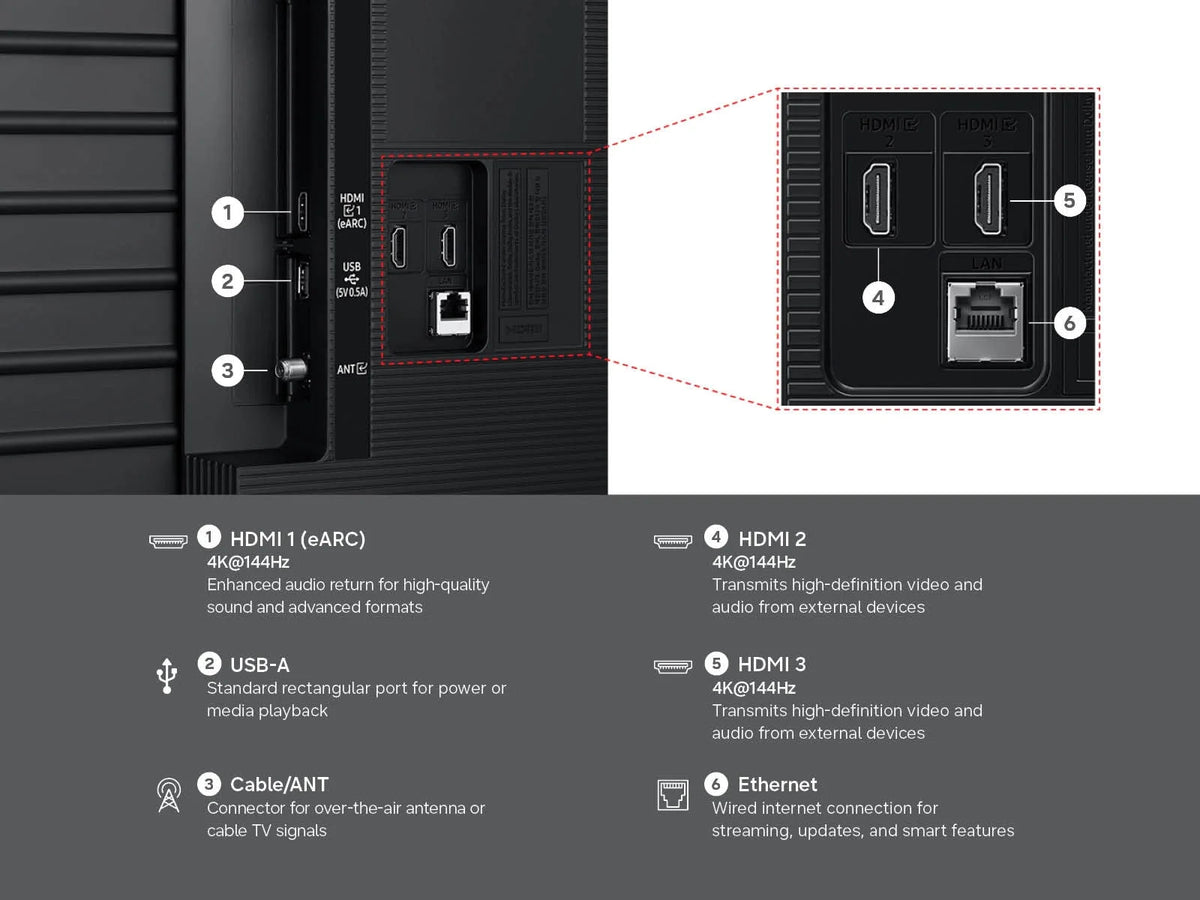
| HDMI | Yes (eARC/ARC) |
| USB | Yes |
| Optical Audio Out | Yes |
| Wi-Fi / Bluetooth | Yes |
| Audio | |
| Speaker | Built-in TV Speakers |
| Dolby Atmos | Yes |
| Smart Features | |
| Smart TV | Yes |
| Operating System | Samsung Smart TV Platform |
| Voice Assistant | Bixby, Amazon Alexa |
| Gaming | |
| Game Mode | Yes (Game Bar, FreeSync VRR, Game Motion Plus, HDR10+ Gaming, Super Ultra Wide 21:9 / 32:9) |
| Design | |
| Design | Slim / Premium Design |
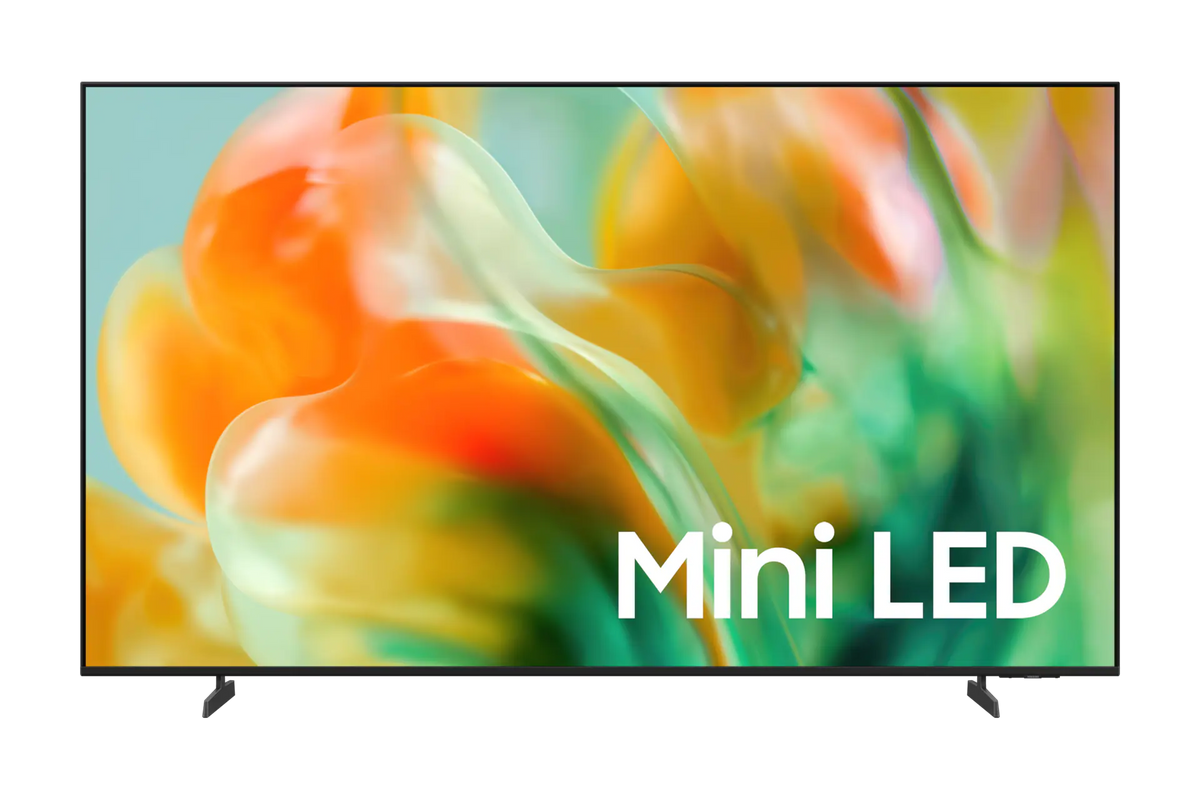
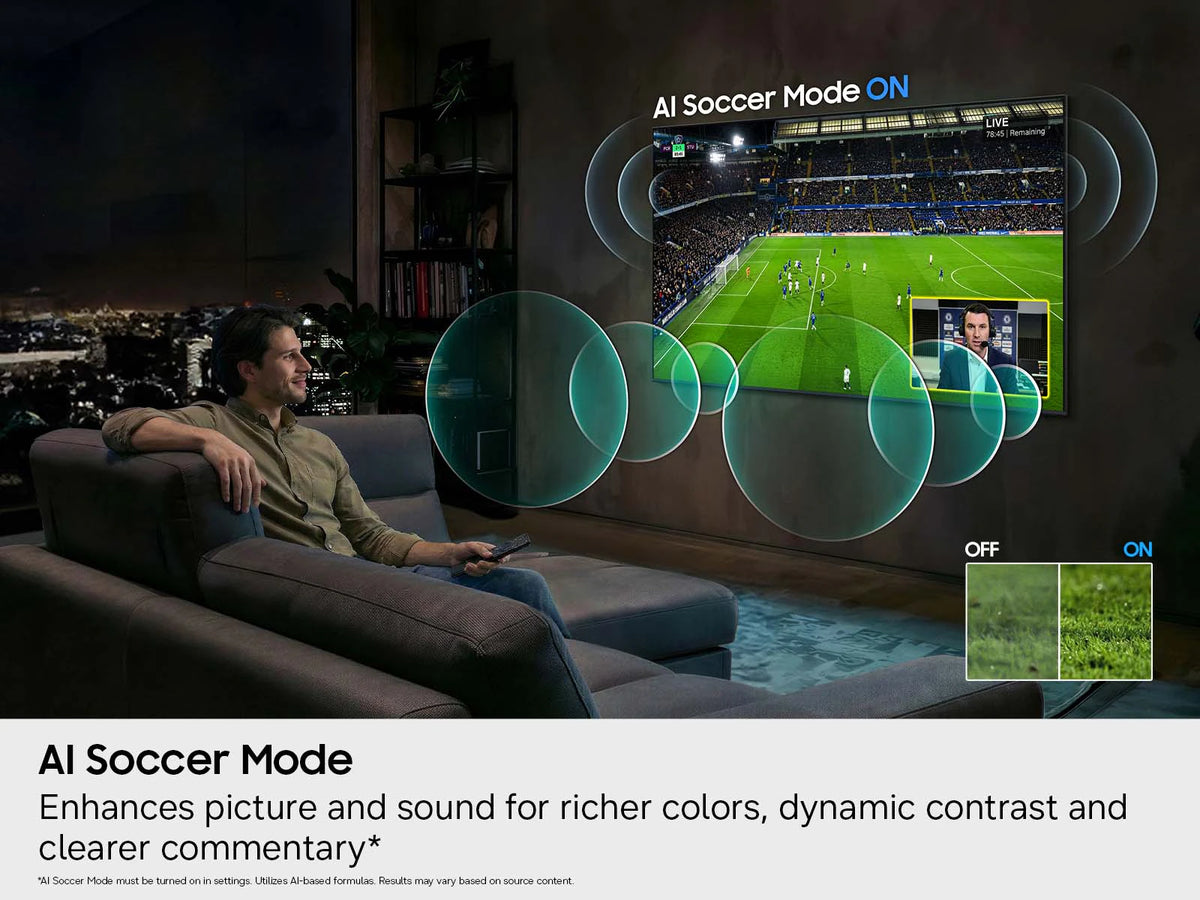
The Samsung 55 Inch Class M80H Mini LED 4K Vision AI Smart TV combines Mini LED display technology with AI-powered features and a premium slim design. The 4K Ultra HD resolution (3840 x 2160) delivers sharp, detailed images across all content, while the 240Hz refresh rate provides smooth, fluid motion for fast-paced action and gaming. Mini LED technology provides enhanced brightness, deeper contrast and improved control of light across the screen, making movies, sports, streaming content and gaming more immersive. Samsung Vision AI intelligently optimizes picture and sound according to the content being viewed, while HDR support with HDR10+ Gaming expands the range of color and brightness for a more lifelike picture.
Frequently Asked Questions
Q: What are the key features of the Samsung M80H 55" Mini LED 4K Vision AI Smart TV?A: The Samsung M80H is a 55" Mini LED 4K Smart TV that offers a range of features, including: - 4K Ultra HD resolution (3840 x 2160) with a 240Hz refresh rate for sharp images and smooth motion. - Mini LED display technology for enhanced brightness, deeper contrast and improved light control across the screen. - Samsung Vision AI and AI Mode for automatic optimization of picture and sound based on content, surroundings and usage patterns. - HDR support with HDR10+ Gaming for expanded color and brightness range. - Game Mode with Game Bar, FreeSync (VRR), AI Gaming Optimizer and Super Ultra Wide Game View (21:9 and 32:9). - Built-in Bixby and Amazon Alexa voice assistants. - Dolby Atmos audio with AI Sound Controller and Active Voice Amplifier. - Samsung Smart TV Platform with access to streaming services, apps and SmartThings integration.
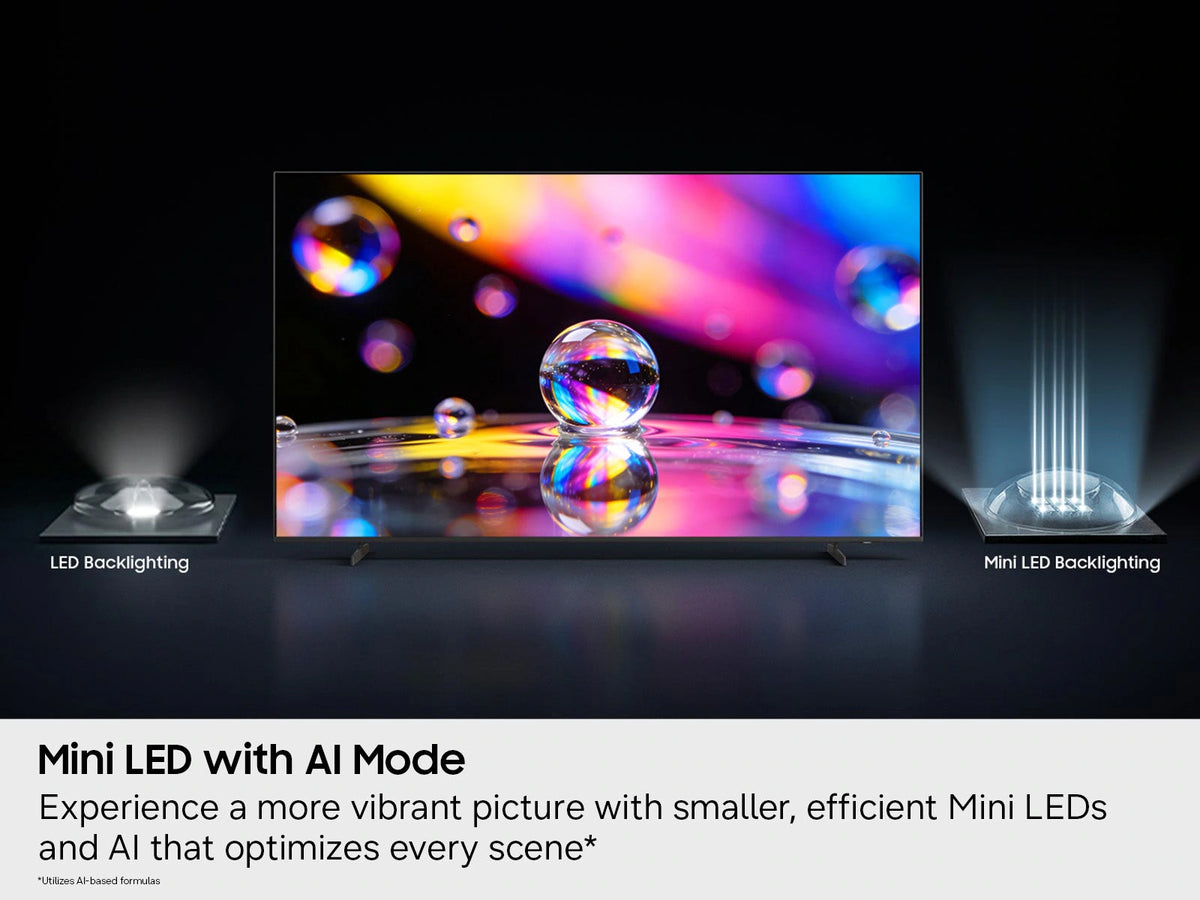
Q: What is Mini LED technology and how does it differ from standard LED?A: Mini LED technology uses a larger number of smaller LEDs as the backlight behind the screen. This allows for more precise control of light across different areas of the display, resulting in enhanced brightness in bright scenes and deeper blacks in dark scenes. Compared to standard LED panels, Mini LED delivers improved contrast and more consistent picture quality across the entire screen, which is noticeable when watching movies, sports and other high-contrast content.
Q: What is Samsung Vision AI and AI Mode on the M80H?A: Samsung Vision AI includes the Vision AI Companion, an interactive AI service that answers questions and recommends content and services based on what you are watching. AI Mode is a separate feature that analyzes your surroundings, noise levels, content type and usage patterns to automatically optimize picture and sound. AI Picture Mode adjusts brightness and image quality in real time based on lighting conditions. AI Sound features include Adaptive Sound, which tunes audio based on the viewing space and content, Active Voice Amplifier, which enhances dialogue clarity based on ambient noise, and Adaptive Volume, which adjusts volume levels based on your usage history.
Q: Is the Samsung M80H good for gaming?A: The M80H supports a 240Hz refresh rate at up to 3840 x 2160 resolution, Game Mode with a dedicated Game Bar, FreeSync (VRR) for tear-free gameplay, and HDR10+ Gaming for enhanced visuals in supported titles. The AI Gaming Optimizer automatically recognizes game titles and applies optimized settings based on genre. Game Motion Plus reduces blur and judder in dynamic scenes, and Super Ultra Wide Game View supports 21:9 and 32:9 screen ratios for an expanded field of view when connected to a PC.
Q: Can I connect external devices to the Samsung M80H?A: Yes, the Samsung M80H includes HDMI ports with eARC/ARC support, USB ports, and an Optical Audio Out for connecting gaming consoles, soundbars, media players and other peripherals. It also has built-in Wi-Fi and Bluetooth for wireless connectivity, and supports Apple AirPlay, Samsung DeX and SmartThings for screen mirroring, mobile workspace use and smart home control.
Q: Does the Samsung M80H support streaming services?A: Yes, the Samsung M80H runs the Samsung Smart TV Platform, which gives you access to popular streaming services and apps directly from the TV. Connect to your home Wi-Fi network to stream movies, TV shows and other content. The TV also features Now brief, which provides useful daily information such as time and weather even when the TV is off.
Q: What audio features does the Samsung M80H offer?A: The M80H supports Dolby Atmos for immersive, three-dimensional sound from its built-in speakers. AI Sound Controller lets you adjust individual audio elements including voice, music and effects. Active Voice Amplifier analyzes ambient noise and enhances dialogue clarity, while Adaptive Sound optimizes audio based on the viewing space and content. The TV also supports HDMI eARC/ARC and Optical Audio Out for connecting external soundbars and audio systems.
Q: Can I control the Samsung M80H with my voice?A: Yes, the Samsung M80H includes both Bixby and Amazon Alexa as built-in voice assistants. You can use voice commands to change channels, adjust volume, search for content, launch apps and control compatible smart home devices. Press and hold the voice assistant button on the Samsung Smart Remote and speak your command, or use the hands-free wake-up feature by saying "Hi, Bixby."
Q: What is Multi View on the Samsung M80H?A: Multi View allows you to watch TV content and mirror a compatible mobile device on screen at the same time. This lets you view multiple sources simultaneously without switching inputs, such as watching a show while following along on your phone or browsing content on a second screen.