




Resources
| Computing | |
|---|---|
| Operating System | Android 8.0 |
| RAM | 3 GB DDR3 |
| Storage | 32 GB (Standard) |
| Processor | Cortex A73 x2 and Cortex A53 x2, up to 1.5 GHz |
| Panel | |
| Screen Size (Diagonal) | 65" |
| Panel Backlight | LED |
| Resolution | 4K UHD (3840 × 2160) |
| Brightness | 350 cd/m² |
| Aspect Ratio | 16:9 |
| Refresh Rate | 60 Hz |
| Viewing Angle | 178° |
| Display Colors | 1.07 Billion (10 bit) |
| Ports and Connectivity | |
| Wireless Connectivity | Wi-Fi 2.4 GHz and 5 GHz, Bluetooth 4.1 |
| Input and Output Ports | 1x RS232, 1x YPBPR In, 2x HDMI In, 2x RJ45, 1x USB Touch, 1x VGA In, 1x VGA Audio In, 2x USB 2.0, 2x USB 3.0 (Front), 1x AV In, 1x AV Out, 1x Earphone (3.5 mm) |
| OPS PC Support | OPS PC supported with optional i5 and i7 PCs |
| Touch | |
| Touch Type | Infrared (IR) |
| Touch Points | 20 |
| Touch Accuracy | <2 mm |
| Touch Response Time | <8 ms |
| Audio | |
| Speakers | 2 x 15 W speakers with surround sound and equalizer |
| Power | |
| Power Requirements | 100 to 240 VAC, 50 to 60 Hz |
| Rated Power Consumption | ≤ 180 W |
| Standby Power | < 1 W |
| Physical | |
| Product Dimensions (W x H x D) | 58.46" x 35.33" x 3.60" |
| Product Weight | 99.2 lbs |
| Shipping Dimensions (W x H x D) | 65.20" x 40.74" x 8.46" |
| Shipping Weight | 130 lbs |
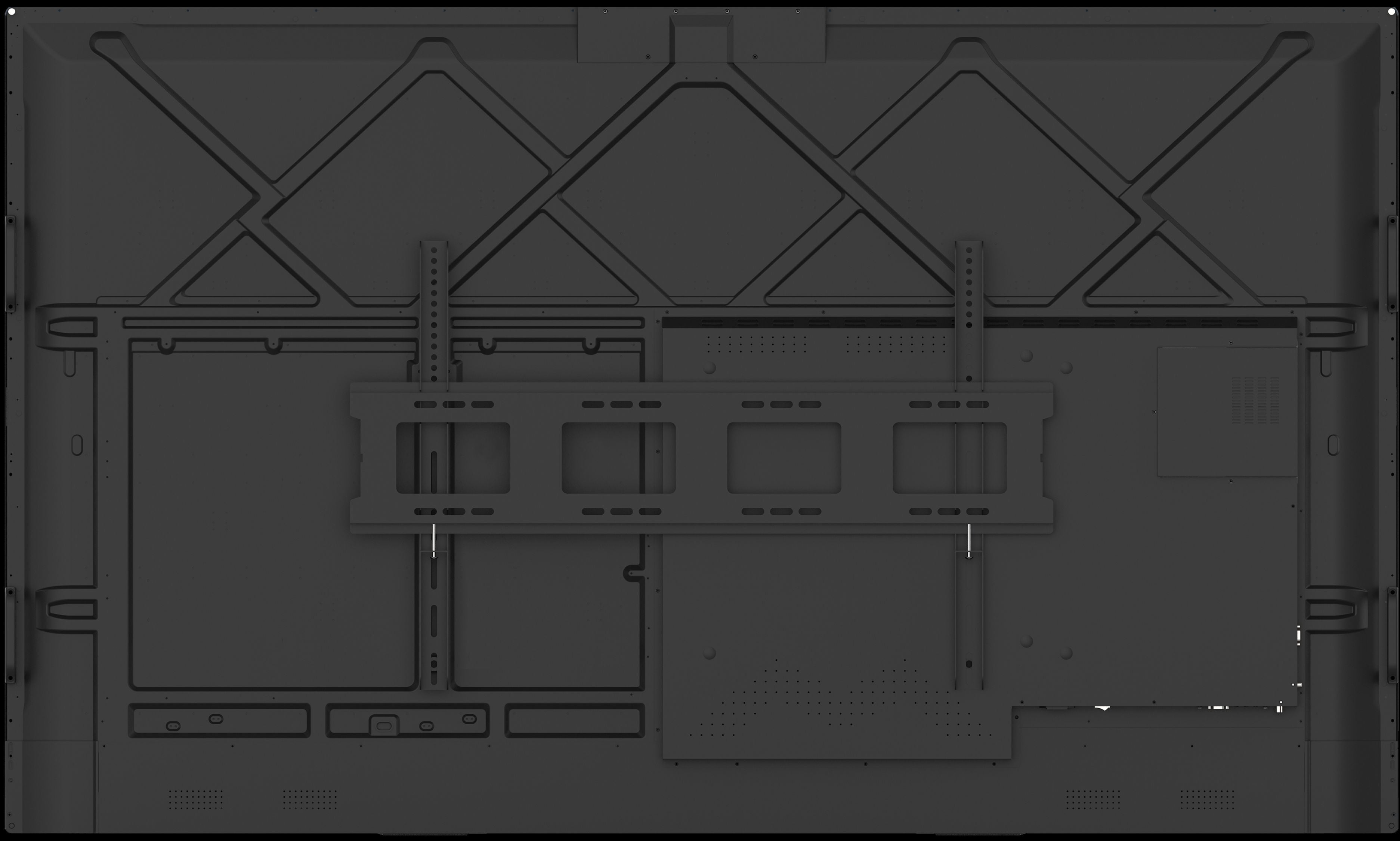
| VESA Mount | 500 x 400 |
| Accessories and Support | |
| Included Accessories | 2 x Stylus Pens, 1 x Extendible Stylus, 1 x Remote Control, 1 x Power Cord, 1 x HDMI Cable, 1 x USB Touch Cable |
| Help and Training | Free unlimited Screen Skills Guru help and training |
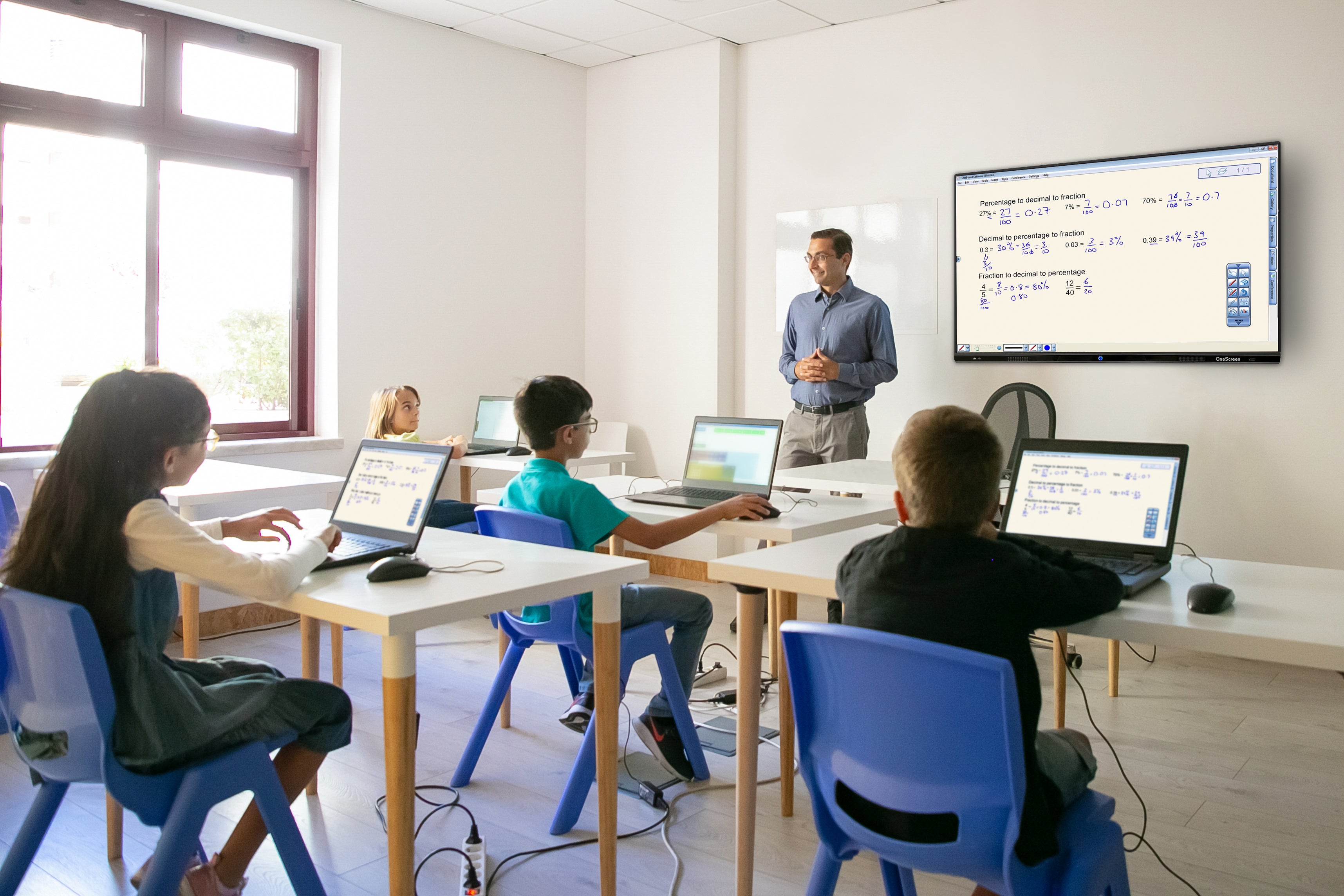
Transforming Educational Environments
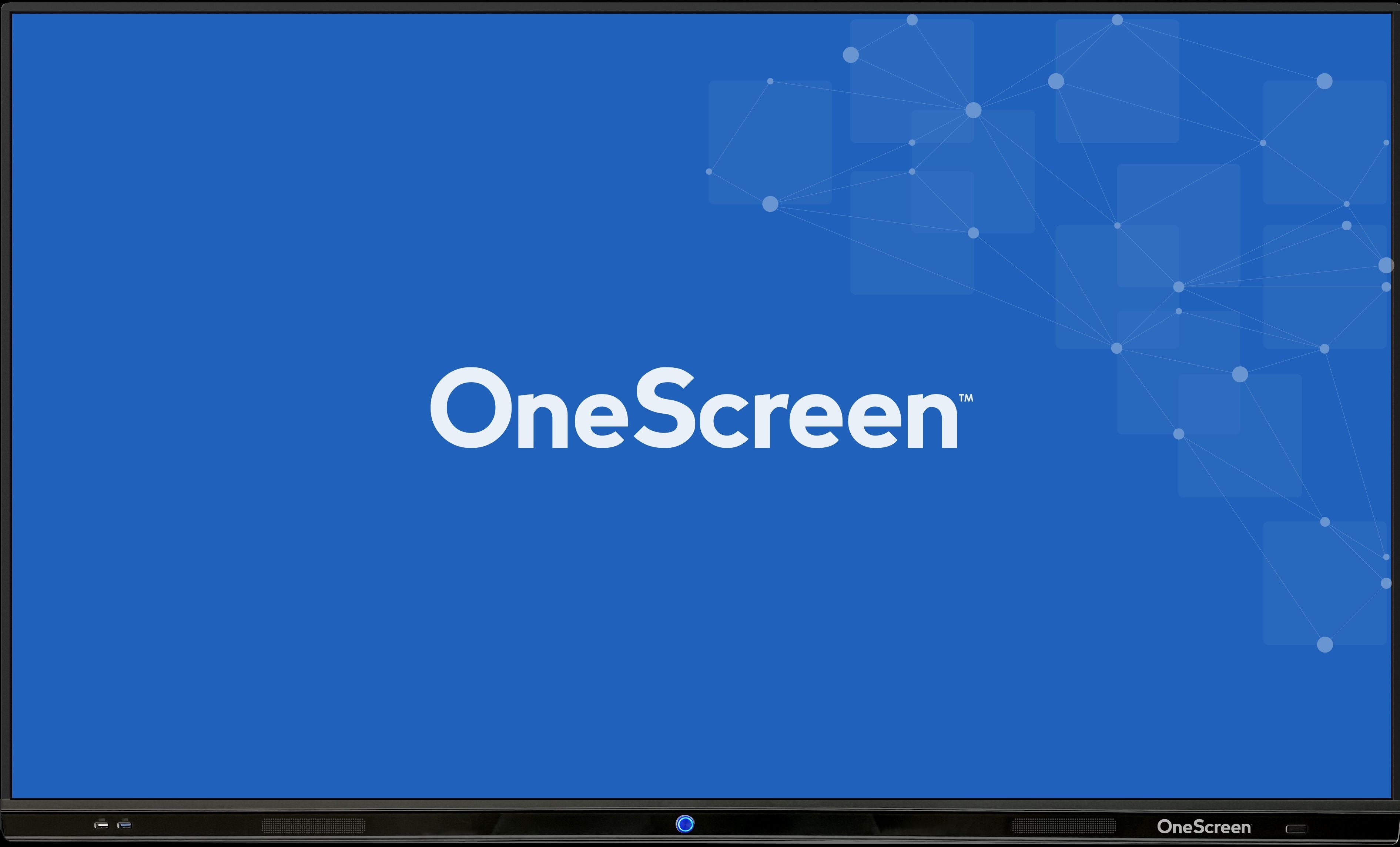
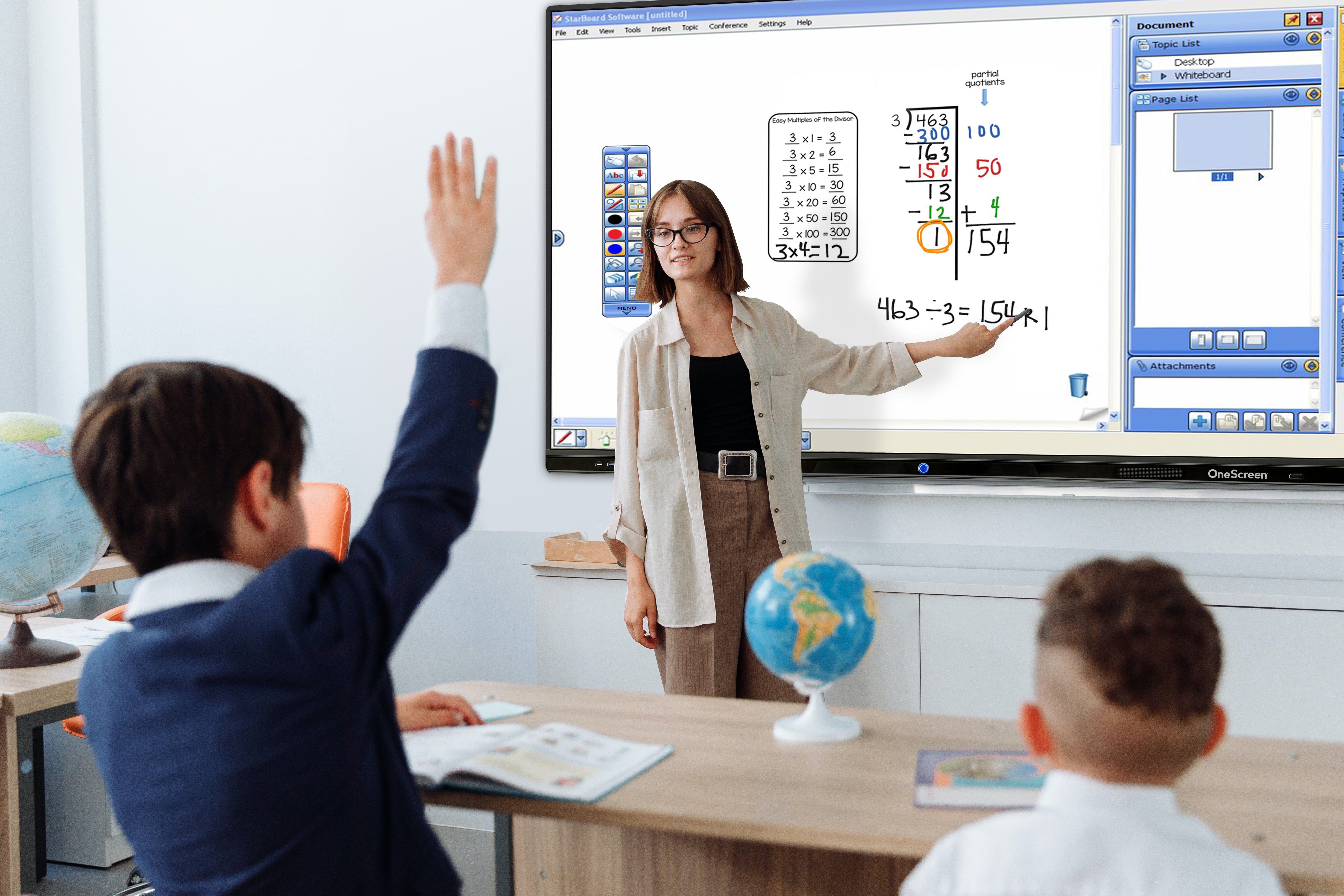
The OneScreen TL6 Interactive Touchscreen is designed to bring simplicity, clarity, and interaction into modern classrooms. Built for learning without excess, the TL6 helps educators teach more effectively by enabling touch, writing, and screen sharing on one easy-to-use interactive display.
Key Education Features:
- Interactive Learning Experience: The 65-inch 4K UHD interactive display provides clear visuals and responsive infrared touch, allowing teachers and students to write, draw, and interact naturally.
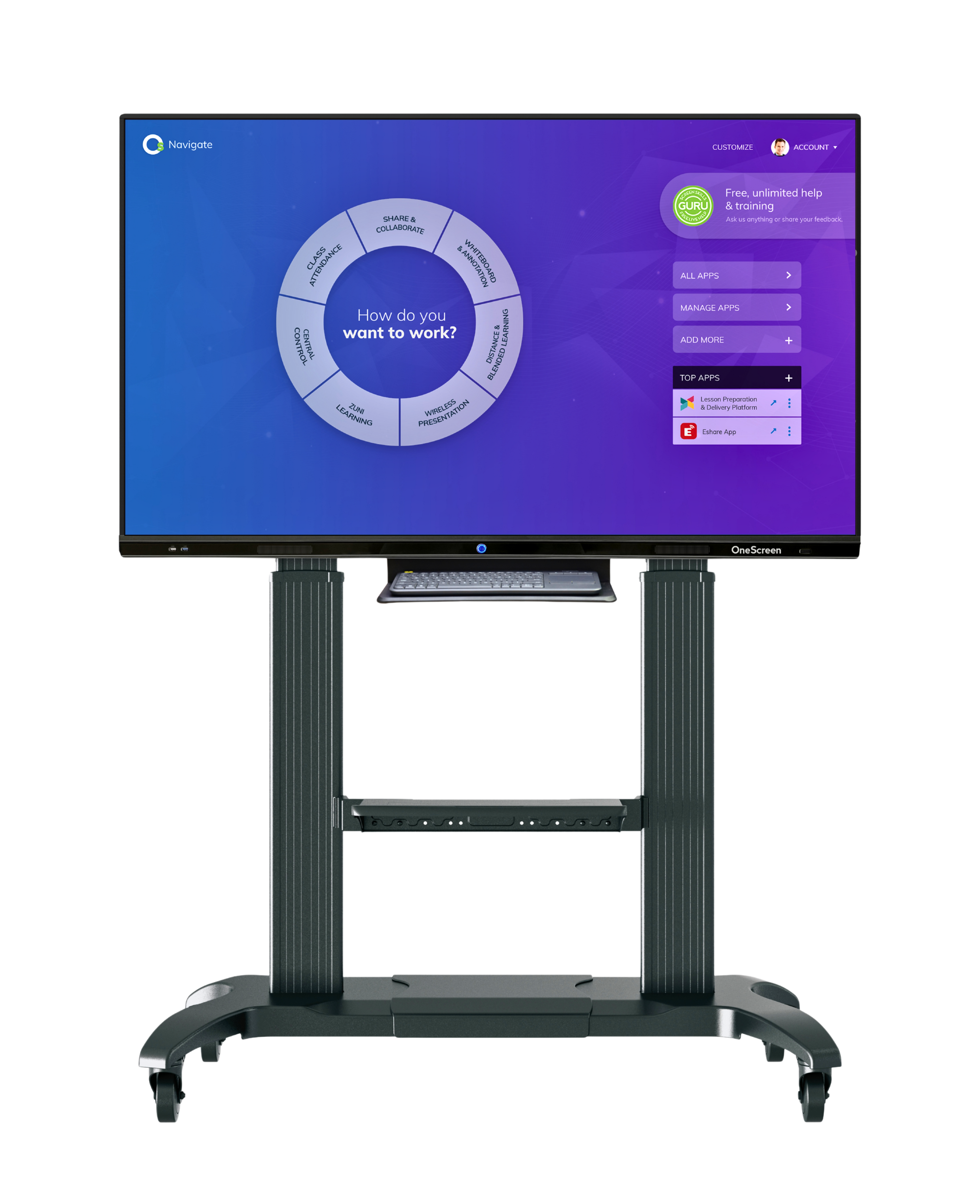
- Simple Annotation Tools: OneScreen Annotate and OneScreen Write allow educators to annotate on lessons, documents, and presentations, then save or share content easily.
- Easy Screen Sharing: EShare enables wireless screen sharing from multiple student devices, supporting collaboration and classroom engagement.
- Lesson Capture and Review: The built-in screen recorder makes it easy to record lessons for review, remote learning, or future reference.
- Reliable Classroom Support: Free unlimited Screen Skills Guru help and training ensures educators always have access to expert assistance.
Empowering Business Collaboration
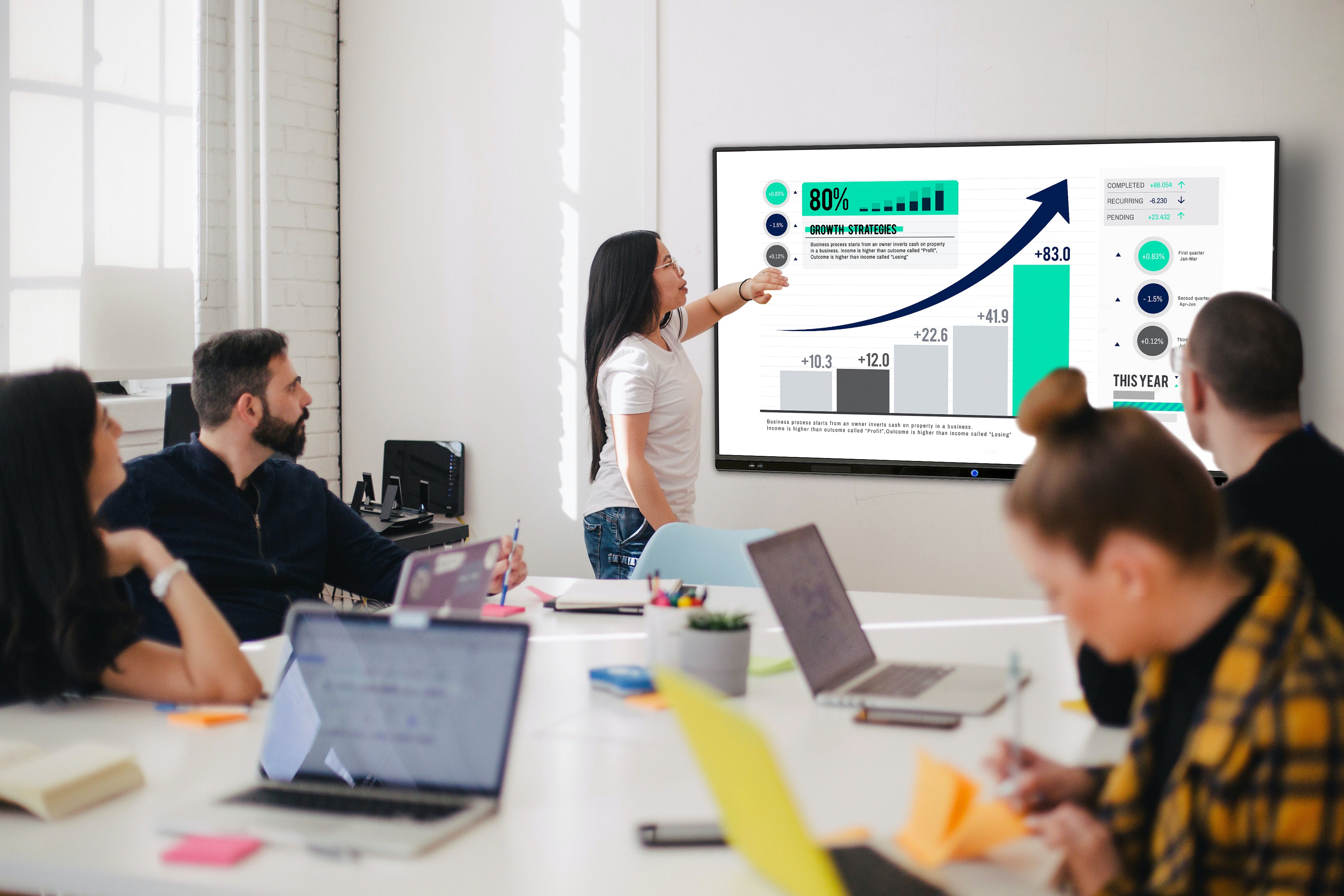
The OneScreen Touchscreen TL6 delivers practical interactive functionality for meeting rooms, training spaces, and collaborative work environments. Designed for lightweight workloads, it provides businesses with essential tools for presenting, sharing, and collaborating without unnecessary complexity.
Key Business Features:
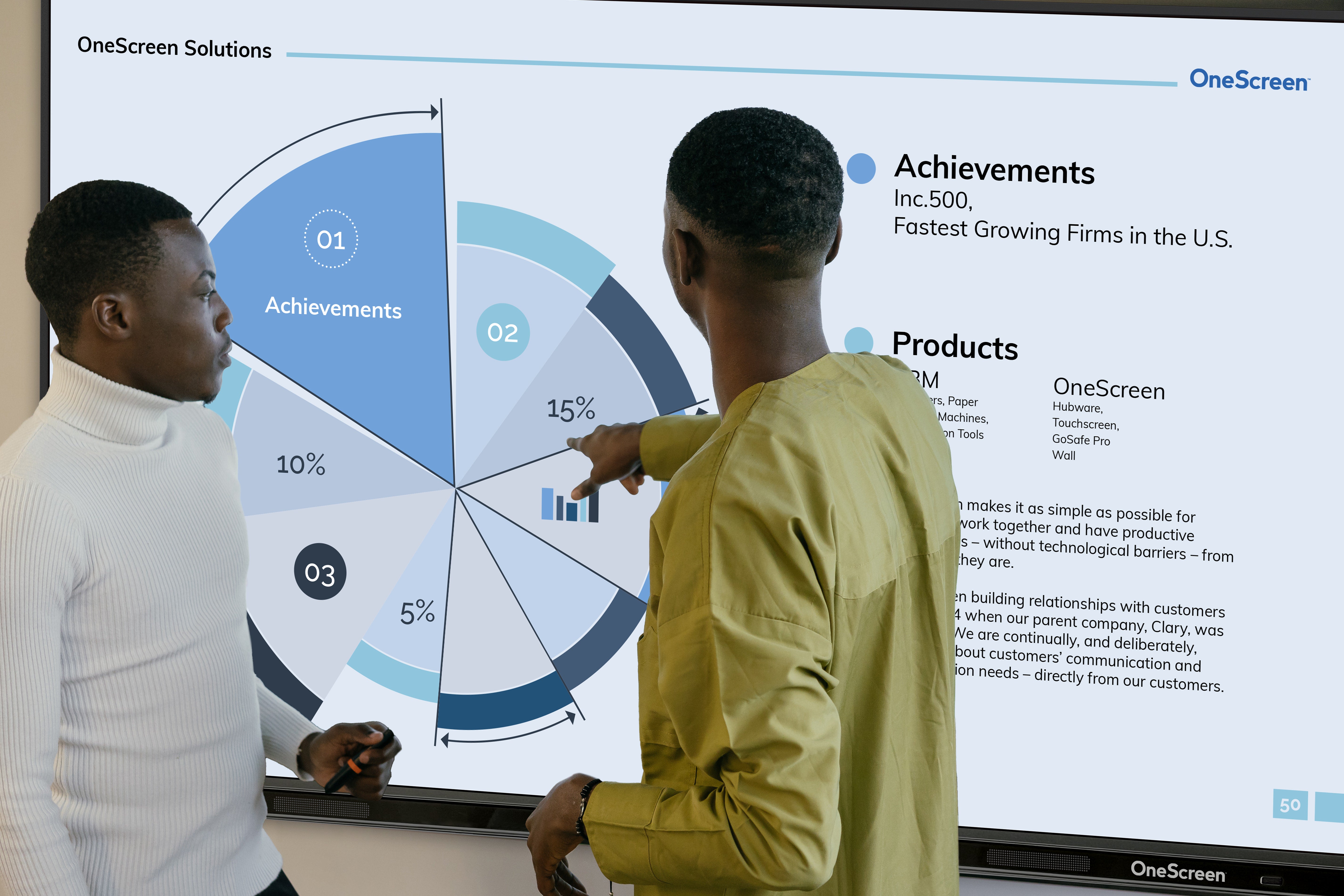
- Touch-Based Presentations: Use the interactive whiteboard and annotation tools to mark up presentations, diagrams, and documents during meetings.
- Wireless Content Sharing: Share screens from laptops, tablets, and mobile devices using EShare, keeping meetings efficient and focused.
- Built-In Android System: Android 8 with Google Play Store access allows teams to run essential productivity apps, browsers, and document viewers directly on the display.
- Multi-User Collaboration: With support for up to 20 touch points, multiple participants can interact with content at the same time.
- Cost-Effective Performance: The TL6 is easy to deploy, simple to manage, and budget-friendly, making it ideal for everyday business collaboration.
The OneScreen TL6 combines affordability, simplicity, and dependable performance to support both educational instruction and business collaboration. It delivers exactly what classrooms and meeting rooms need to stay productive and connected.
Frequently Asked Questions
Q: What is the OneScreen Touchscreen TL6 65"?A: The OneScreen Touchscreen TL6 65" is an interactive flat panel display designed for classrooms, meeting rooms, and training spaces. It offers a 65-inch 4K UHD touchscreen with essential tools for writing, sharing, and collaboration.
Q: What are the benefits of using an interactive touchscreen like the TL6?A: Interactive touchscreens improve engagement, collaboration, and productivity by allowing users to interact directly with content.
- Enhanced engagement through touch-based interaction
- Easy collaboration with multi-user touch support
- Improved productivity using built-in annotation and screen sharing tools
- Clear communication with visual and interactive presentations
A: The TL6 focuses on simplicity and essential functionality for everyday use.
- 65-inch 4K UHD interactive display with infrared touch
- Support for up to 20 touch points
- Built-in annotation, wireless screen sharing, and screen recording
- Android 8 with Google Play Store access
- Integrated 15W speakers for clear audio
A: The TL6 is suitable for a wide range of education and business environments.
- Classrooms and interactive learning spaces
- Business meetings and presentations
- Training rooms and workshops
- Collaborative workspaces
- Remote and hybrid learning or meetings
A: Yes. The TL6 is designed for ease of use with an intuitive interface, responsive touch technology, and simple tools that require minimal training. Free unlimited help and training are also included.
Video
What’s in the Box?
- OneScreen Touchscreen TL6 65" interactive flat panel display
- Stylus pens x 2
- Extendible stylus x 1
- Remote control
- Power cord
- HDMI cable
- USB touch cable
- Quick start documentation